Platform
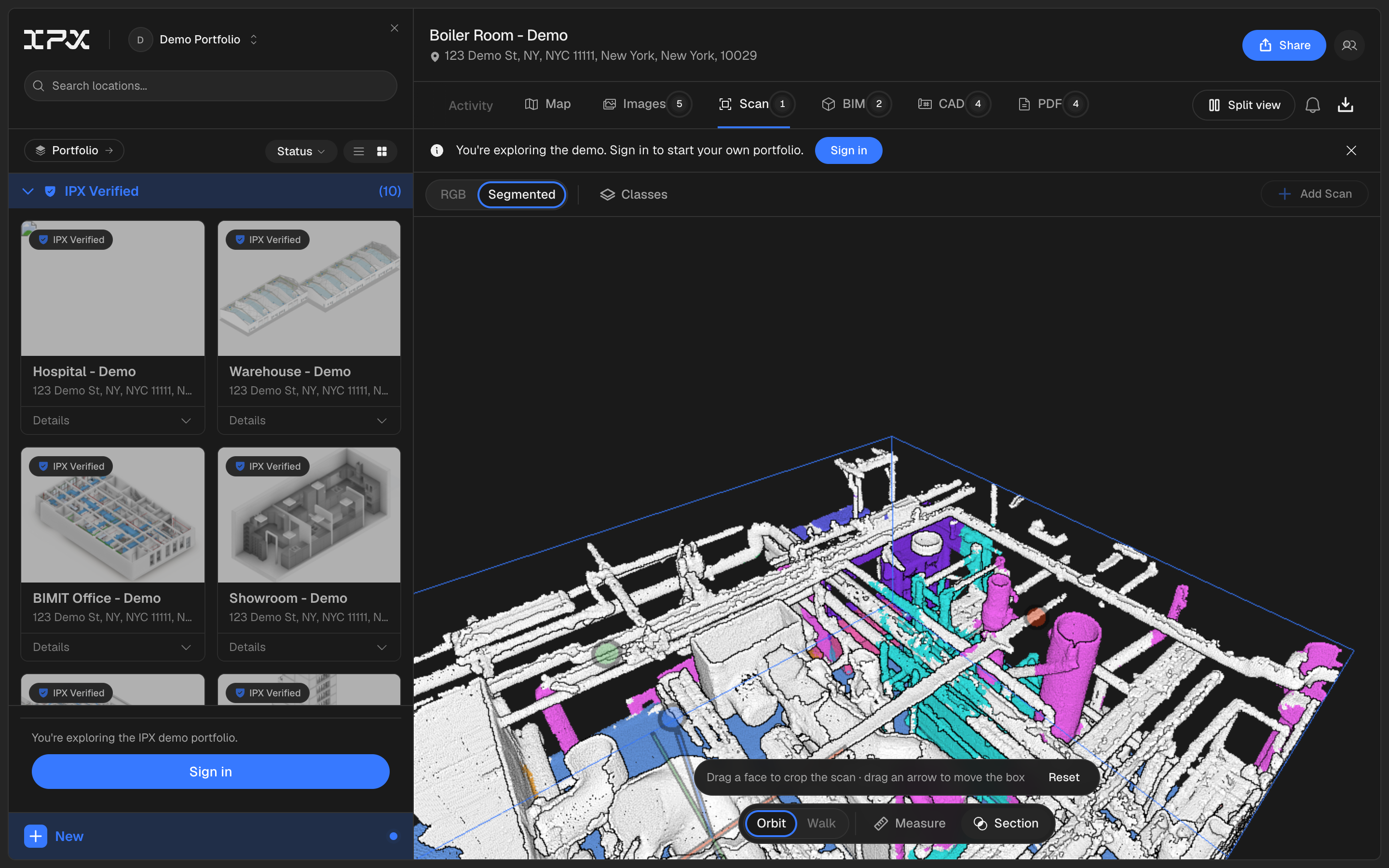
Cut into a scan with the new section box tool
You can now cut into a scan to see what's inside it, right from the Scan tab.

New capabilities across IPX, BIMIT Engine, and BIMIT Standards.
You can now cut into a scan to see what's inside it, right from the Scan tab.
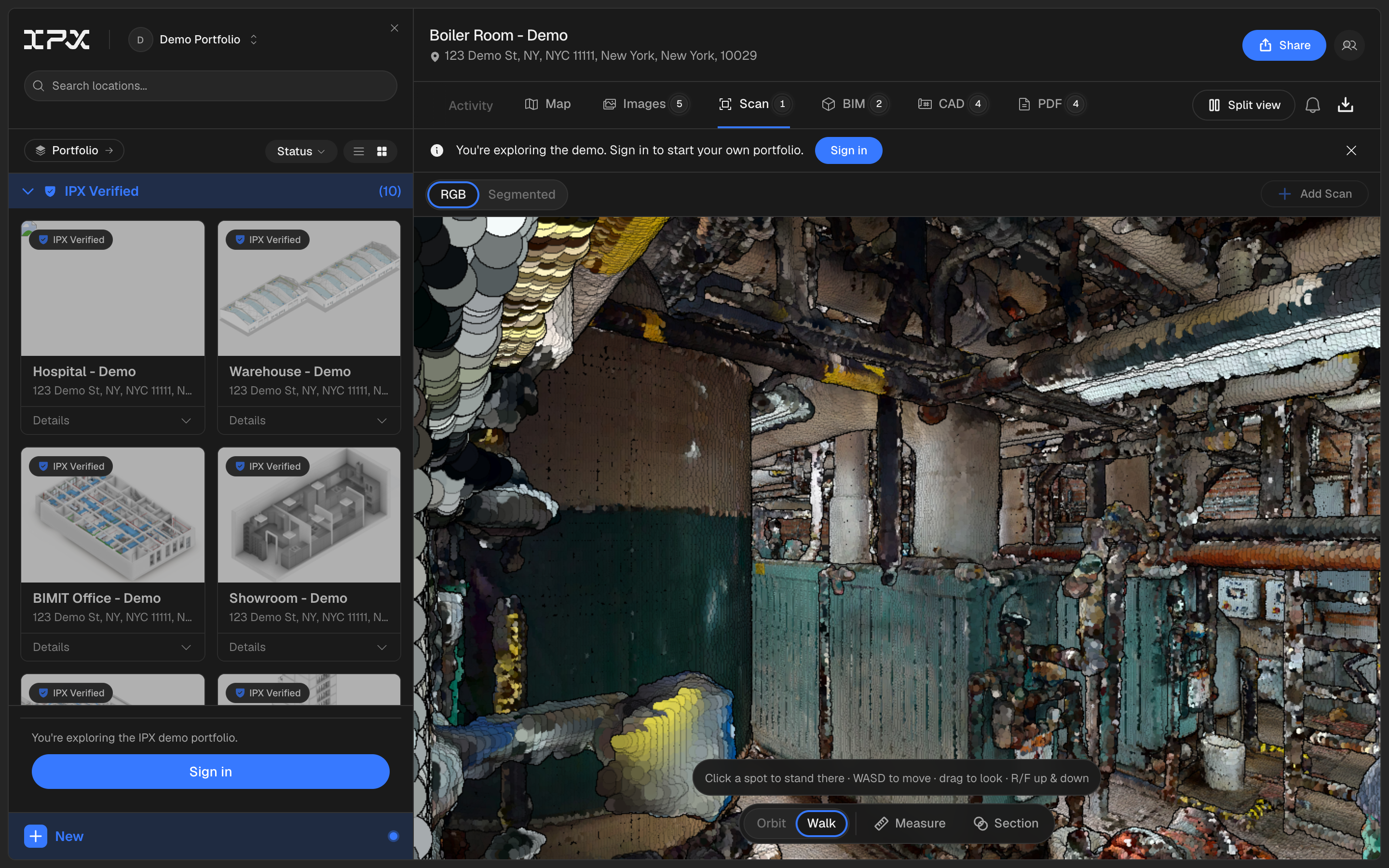
Point-cloud navigation in the scan viewer is rebuilt: zoom goes to the cursor, orbit pivots on what you're actually looking at, panning no longer freezes when you're zoomed in, and you can now walk or teleport through a scan instead of only orbiting it from outside.
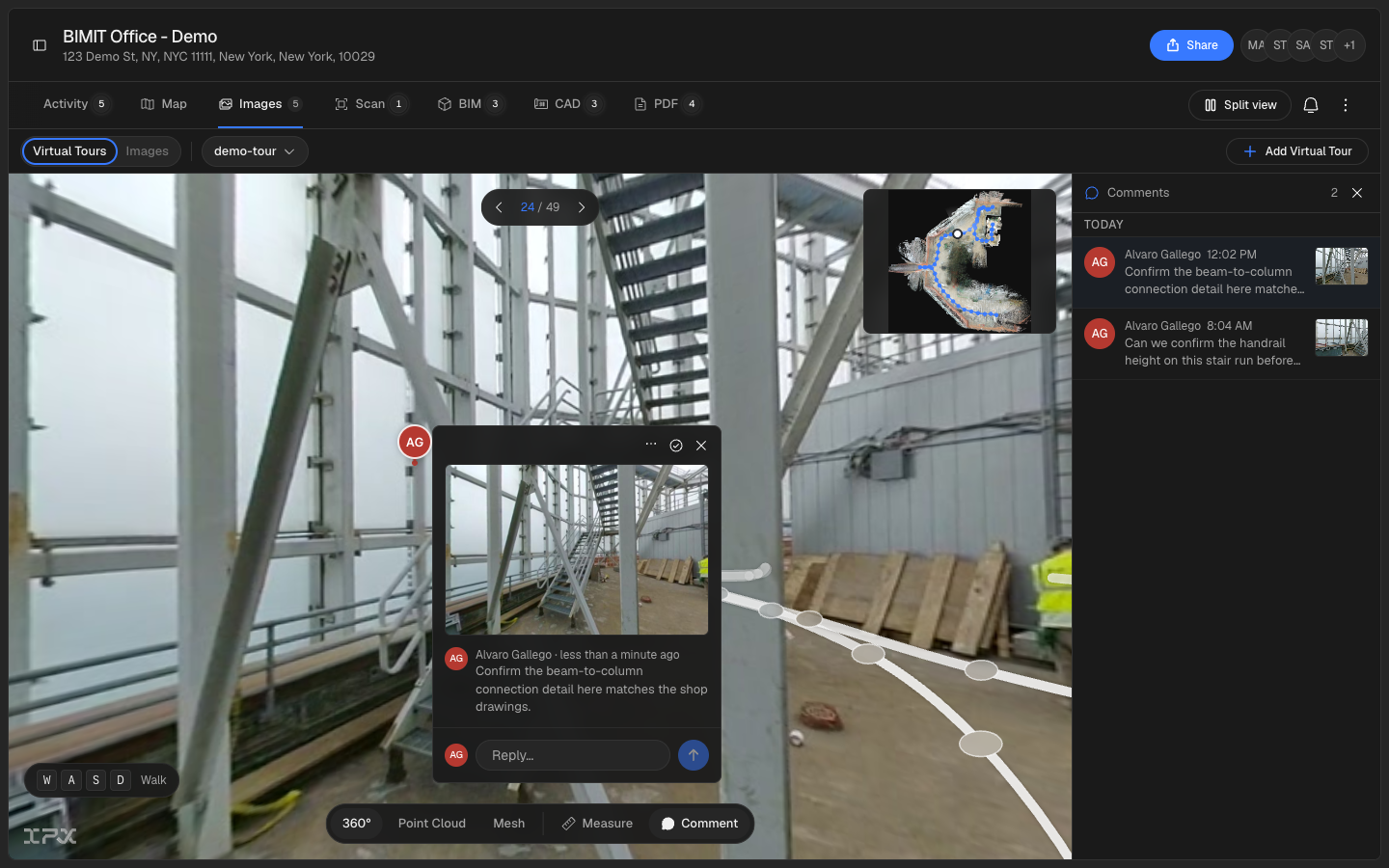
Pin a comment to the exact point in a 3D tour, tag a teammate, and follow the conversation without leaving the model.
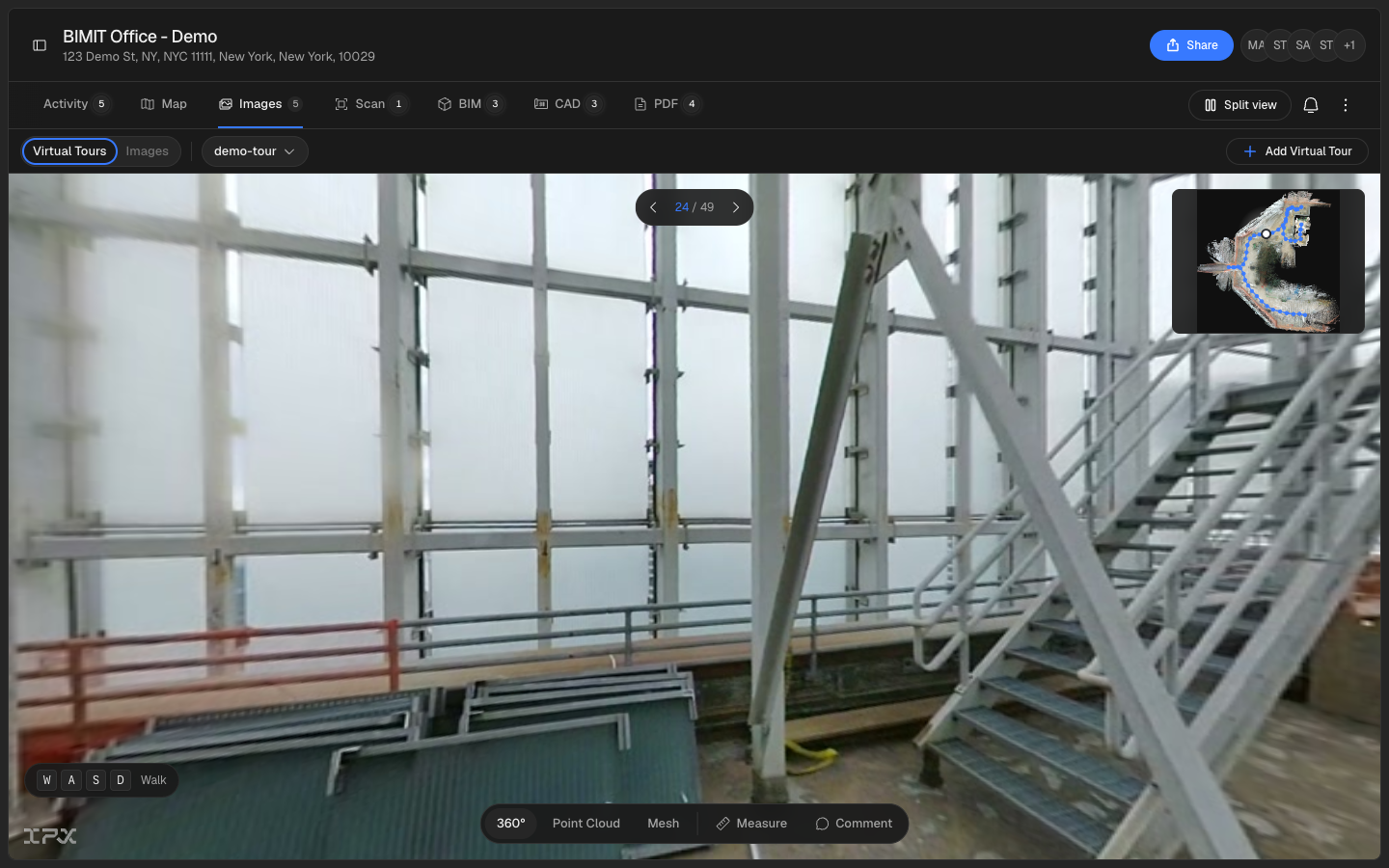
Film a walkthrough with any 360 camera and upload the video to get a walkable virtual tour and a measurable point cloud, no scanner or share-link platform required.
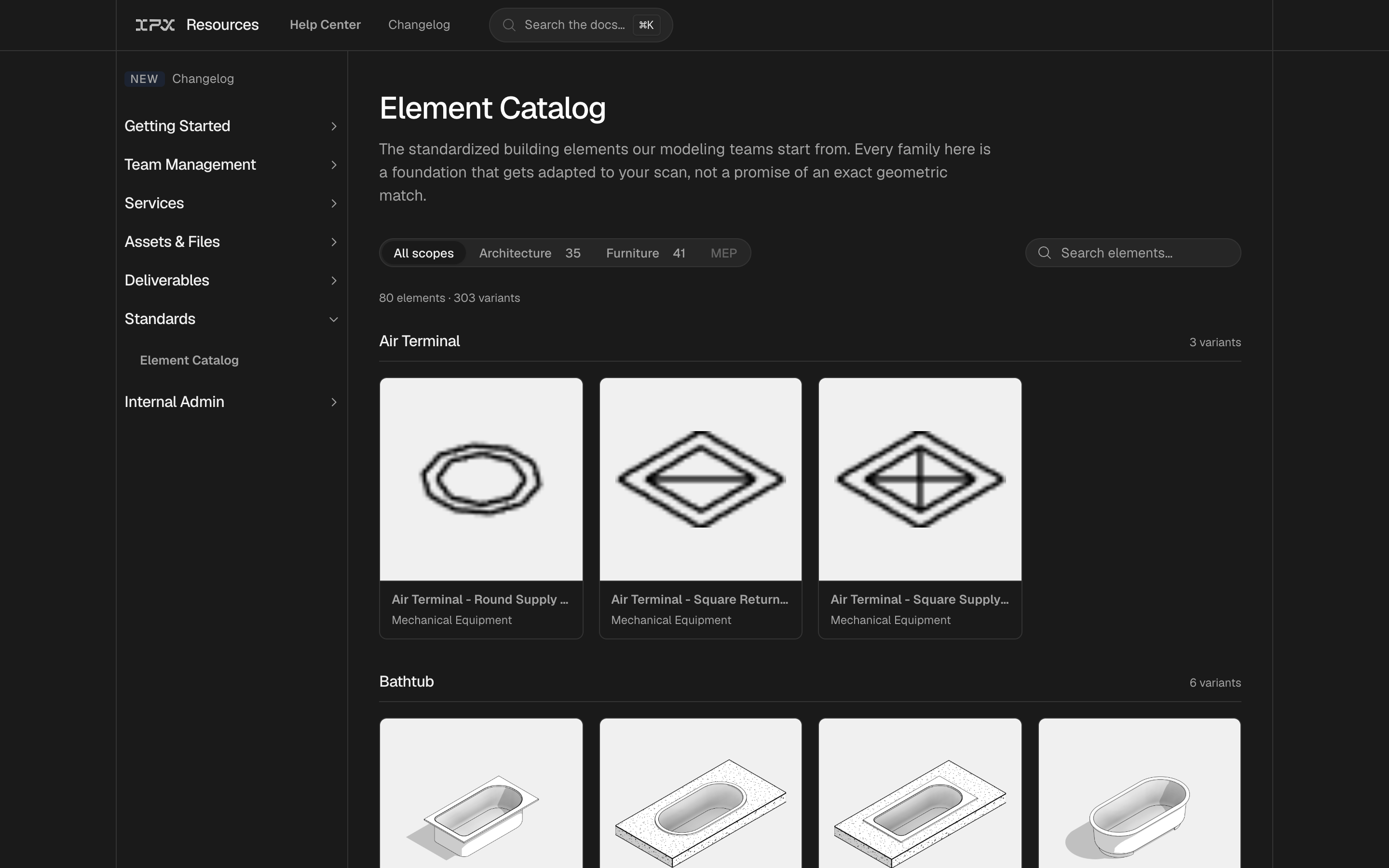
You can now browse a catalog of building elements, with images and specifications, right from the help center.
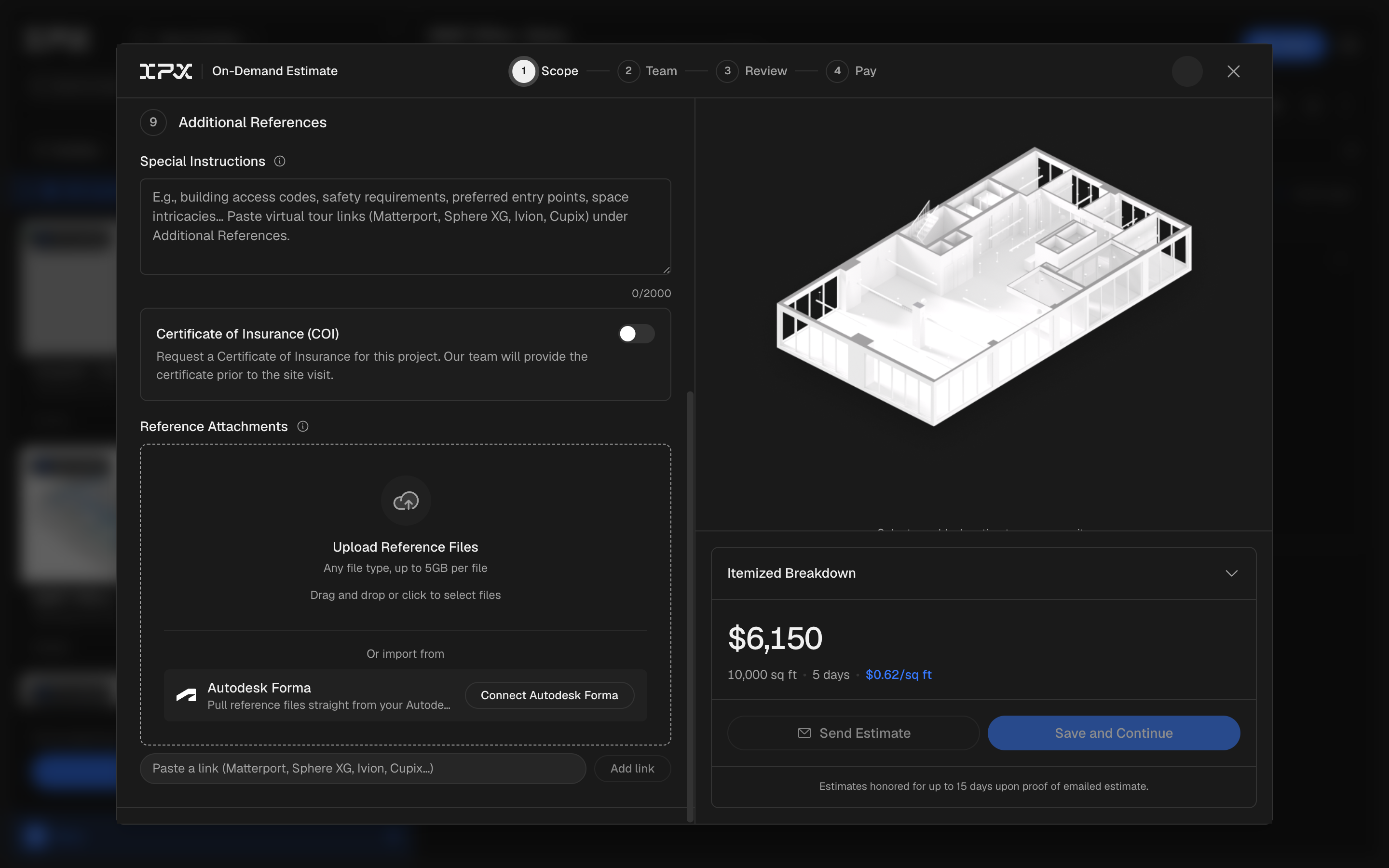
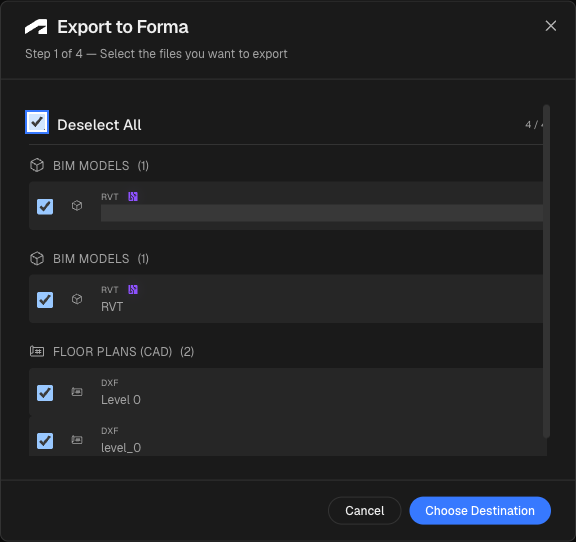
Connect your Autodesk Forma account and pull point clouds and reference files straight into an IPX order, no download or re-upload required.
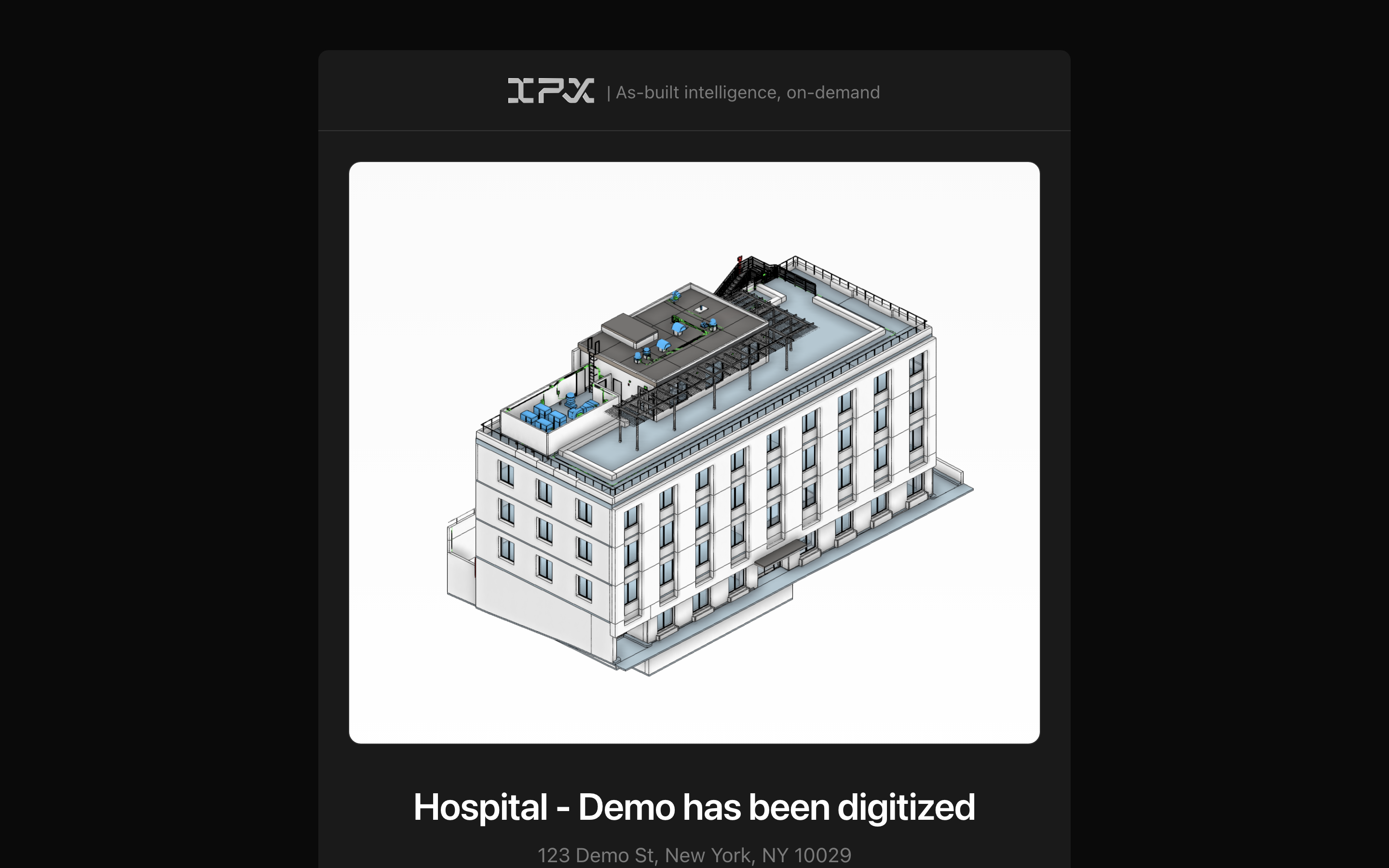
You now get an email every time your standard order moves to a new stage, from the first estimate through final delivery, with the key milestones landing in your in-app notifications too.
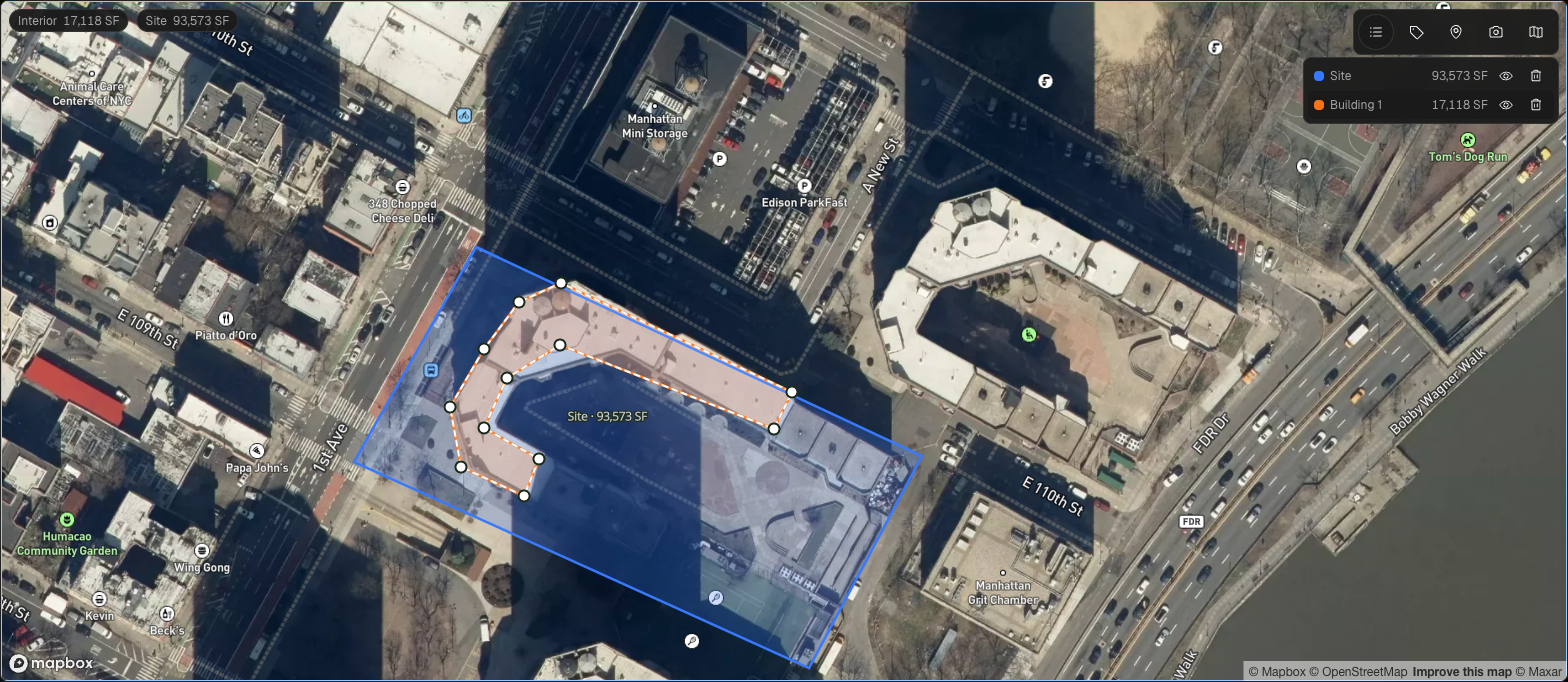
Draw a property's site boundary and building footprints directly on a satellite map, and get interior and site square footage without leaving the page.
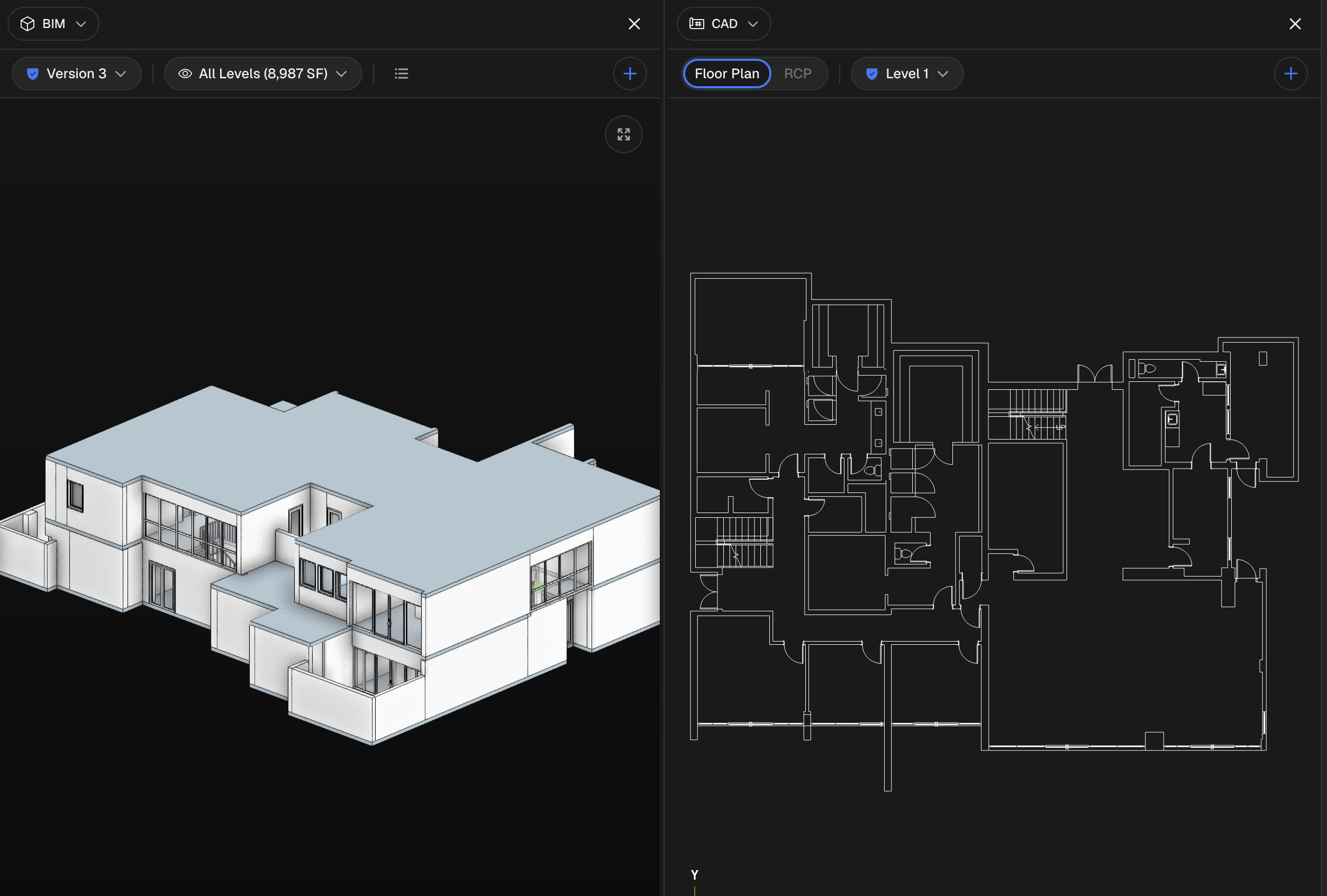
Put the model and the point cloud, or any two of a building's views, next to each other on one screen instead of flipping between tabs.
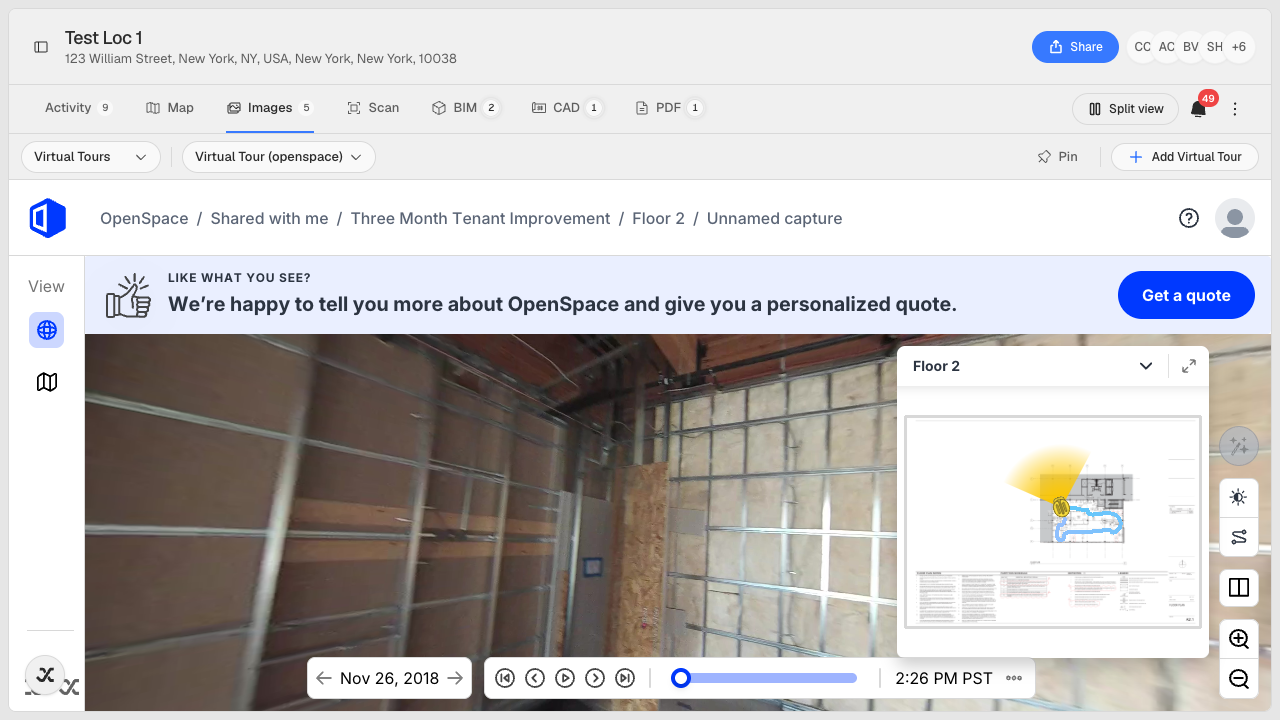
Paste a share link from OpenSpace and walk a 360° capture of your site inside the same viewer you use for the model.
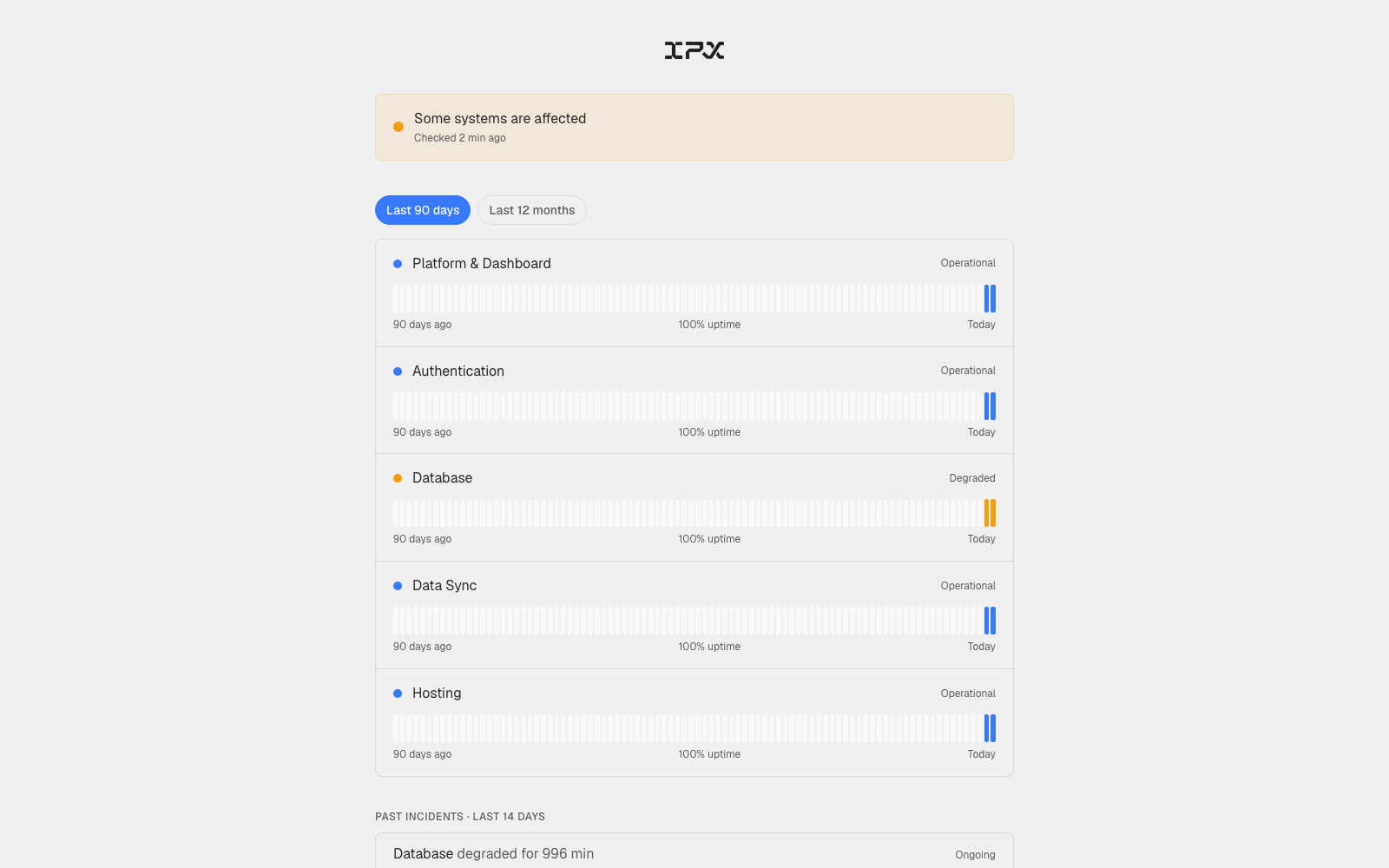
When something feels off — a slow login, a file that won't load — there was no quick way to check whether the issue was on our end or yours. You had to email support and wait.
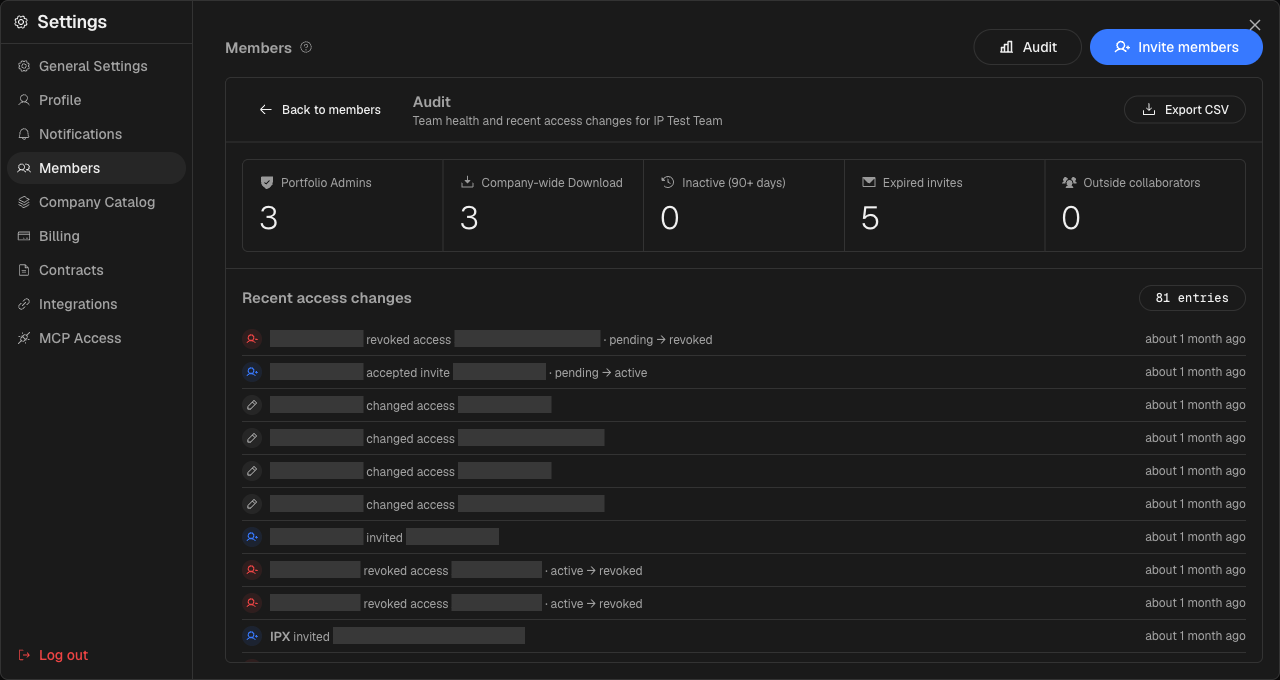
Knowing exactly who can see, download, or change anything across your portfolio is the difference between a clean handover and a security review you'd rather not have to run. The new Audit panel surfaces that picture in one view.
Getting finished models into Autodesk Construction Cloud meant downloading files from IPX and uploading them manually. Now you can push models directly from the viewer without leaving the platform.
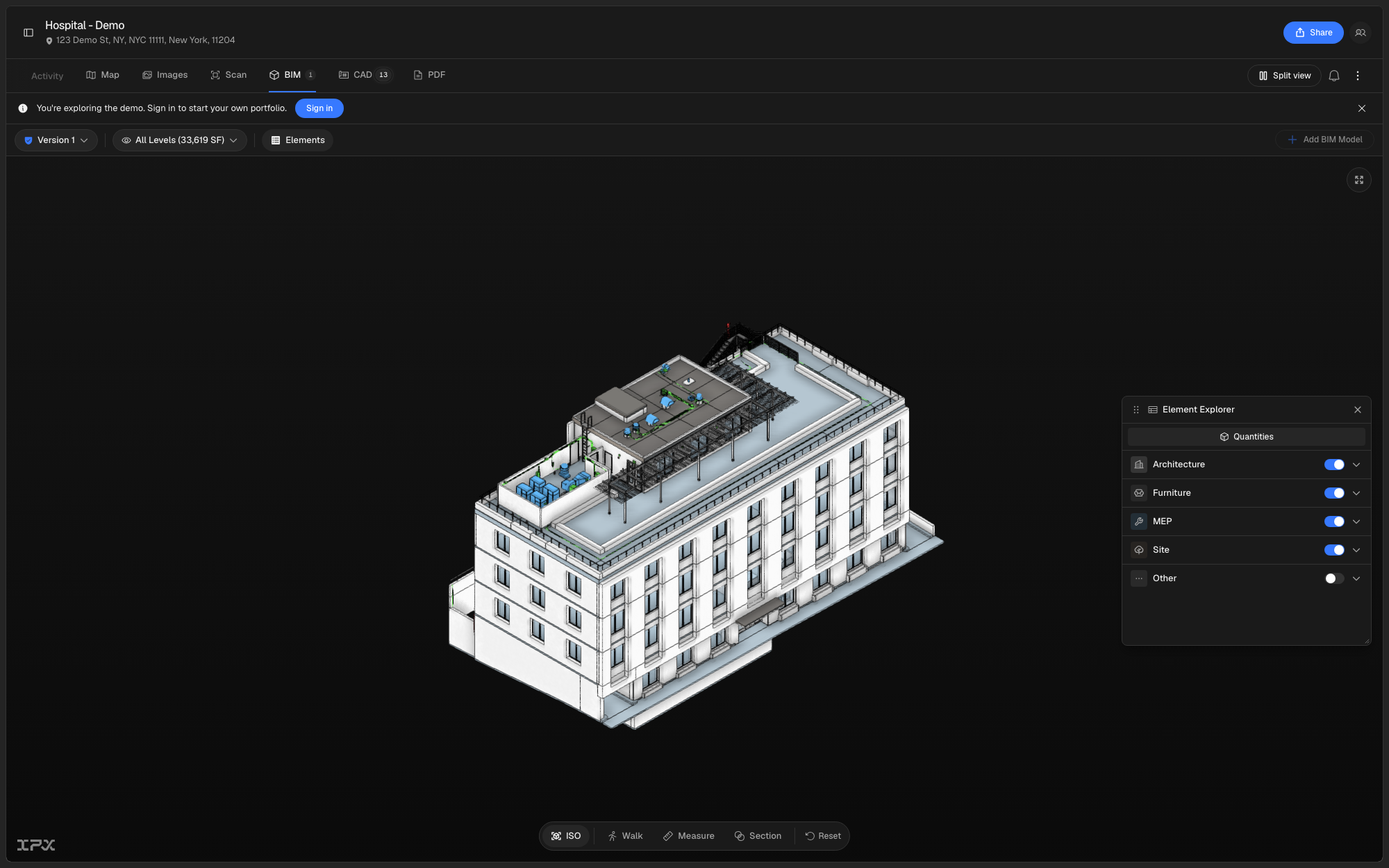
Navigating and interrogating a 3D BIM model used to mean relying on the viewer's default controls, with no quick way to measure distances, cut a section through the building, or walk through the space.
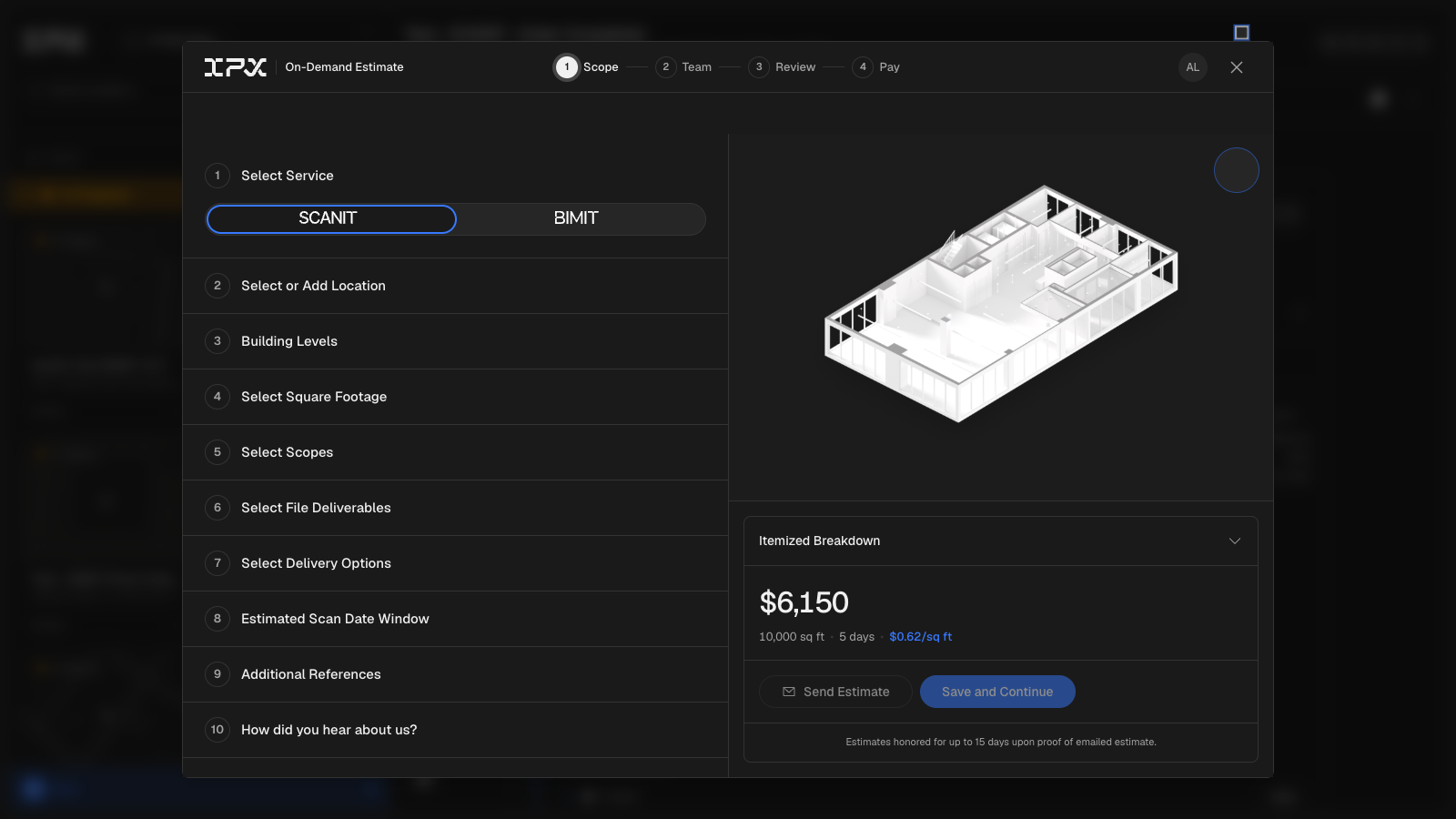
Previously, submitting a BIMIT or SCANIT order meant going back and forth over email to align on scope, pricing, and payment. There was no single place to build, review, share, and pay for a request.
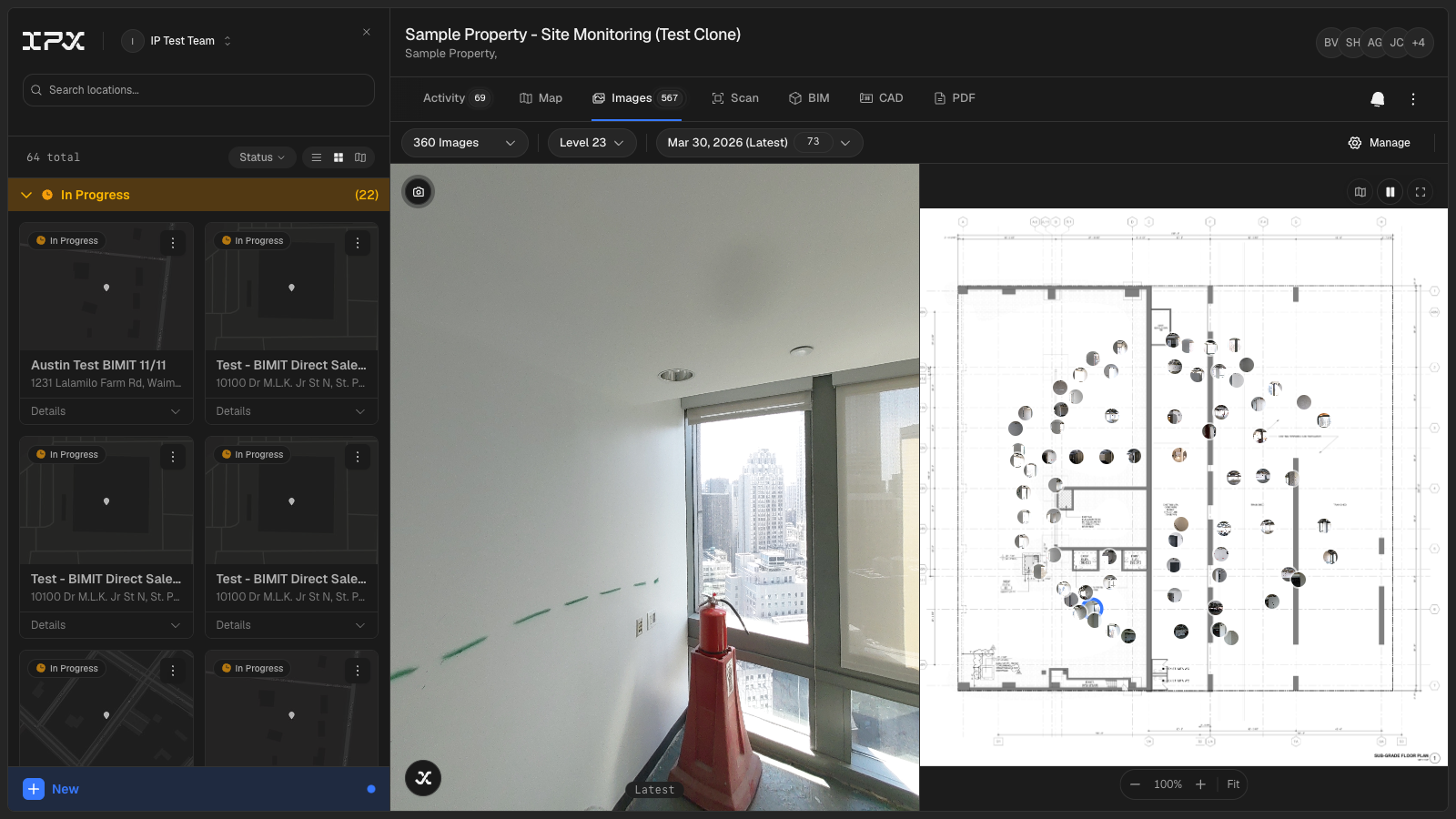
Tracking conditions across a building over time — whether after a renovation phase, a recurring inspection cycle, or a phased fit-out — previously meant managing image folders offline and reconciling them against drawings by hand. The new **Site Monitoring** tab brings that workflow directly into the location viewer.
The IPX Platform has always required a laptop or desktop to use comfortably. You can now access your projects, review models, browse images, manage team members, and update settings from a phone or tablet.
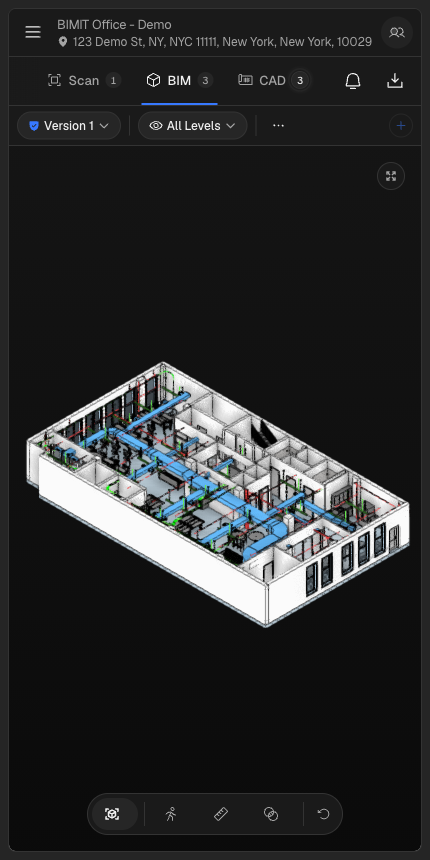
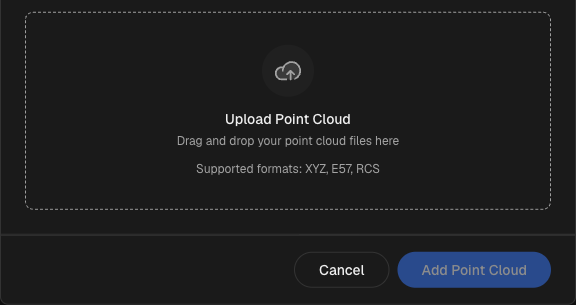
Until now, submitting a point cloud for BIMIT processing meant handing files off through a separate channel and waiting for a status update from the IPX team. You had no direct way to upload, monitor progress, or see where your file sat in the pipeline — all from inside the platform.
Getting a cost estimate for a scan-to-BIM project used to mean waiting for a quote. Now the service request form calculates pricing in real time as you fill it in.