Platform
Open two views of your building side by side
Put the model and the point cloud, or any two of a building's views, next to each other on one screen instead of flipping between tabs.
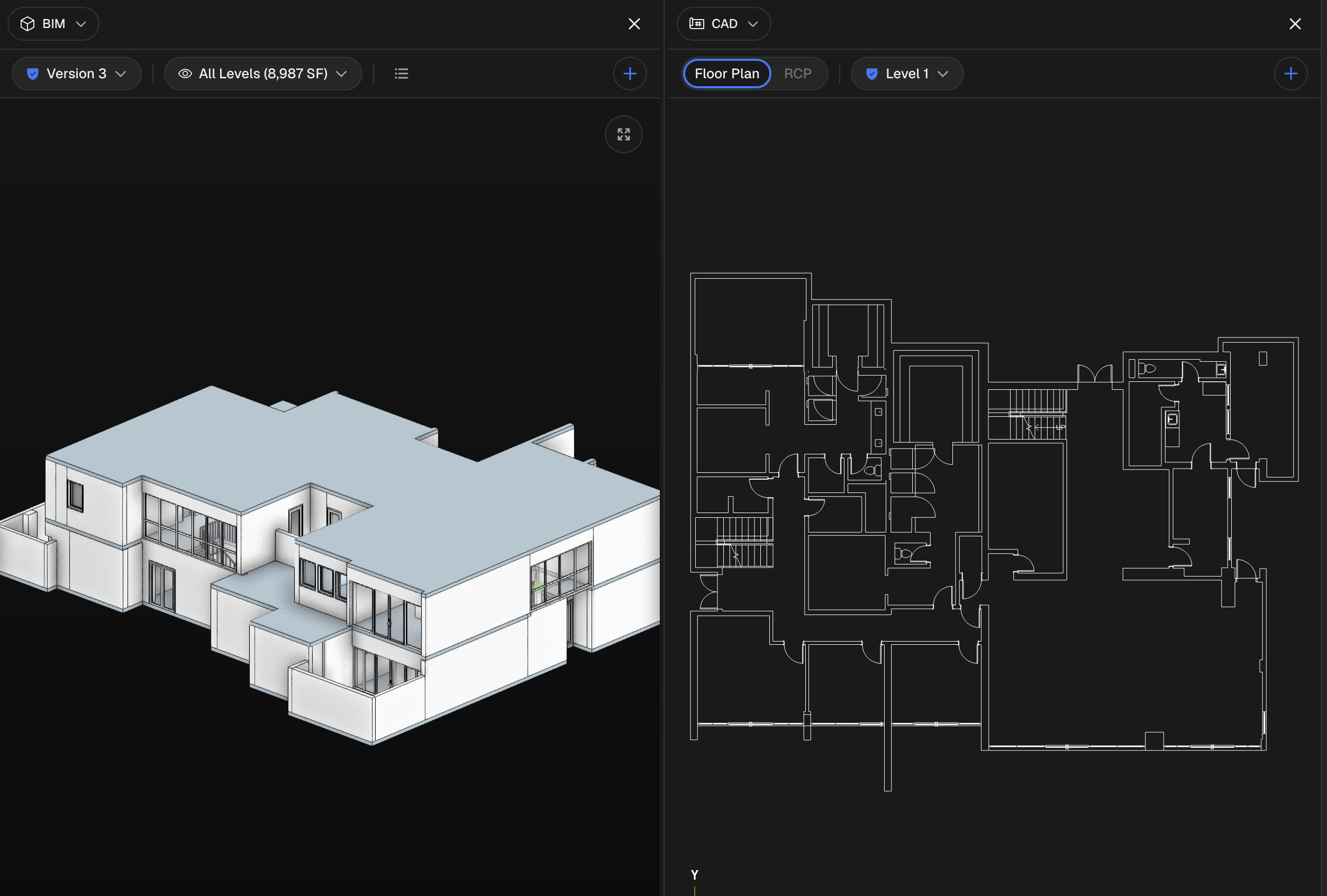

Put the model and the point cloud, or any two of a building's views, next to each other on one screen instead of flipping between tabs.
The problem
Real review work is comparison. You check the model against the scan, this month's capture against last month's, the floor plan against the 3D. Today that means flipping between tabs and holding the other view in your head while you look at this one. You lose your place on every switch, and the thing you were trying to line up is never on screen at the same moment. With a colleague watching or a client on a call, that back-and-forth is slow, and it is where details get missed.
How it works
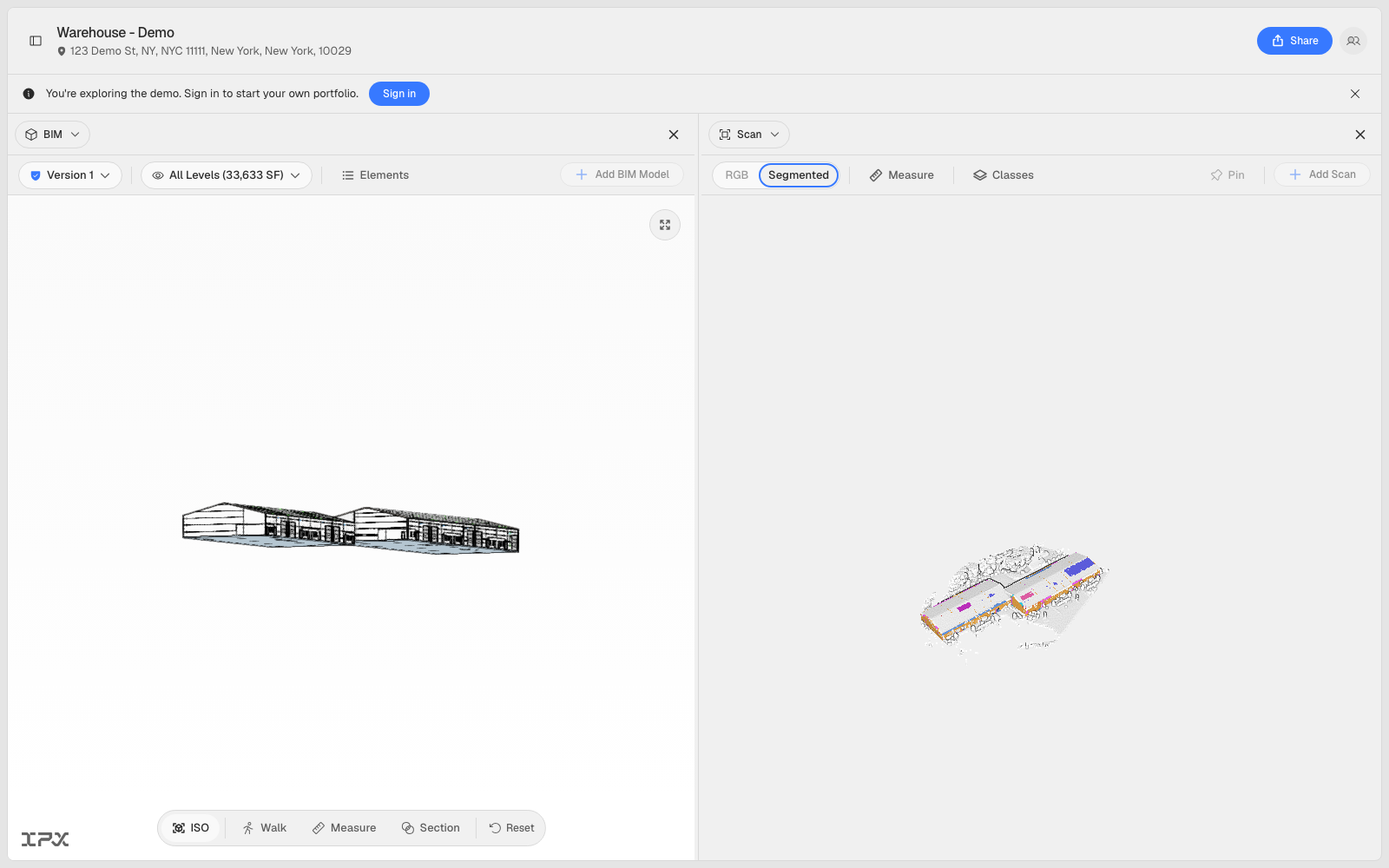
Split view puts two of a building's views on screen at once. Click Split view in the top bar and the viewer divides into two panes. Each pane is independent, with its own picker at the top to switch what it shows, so you can pair the BIM model with the Scan, or put the Map next to a Report.
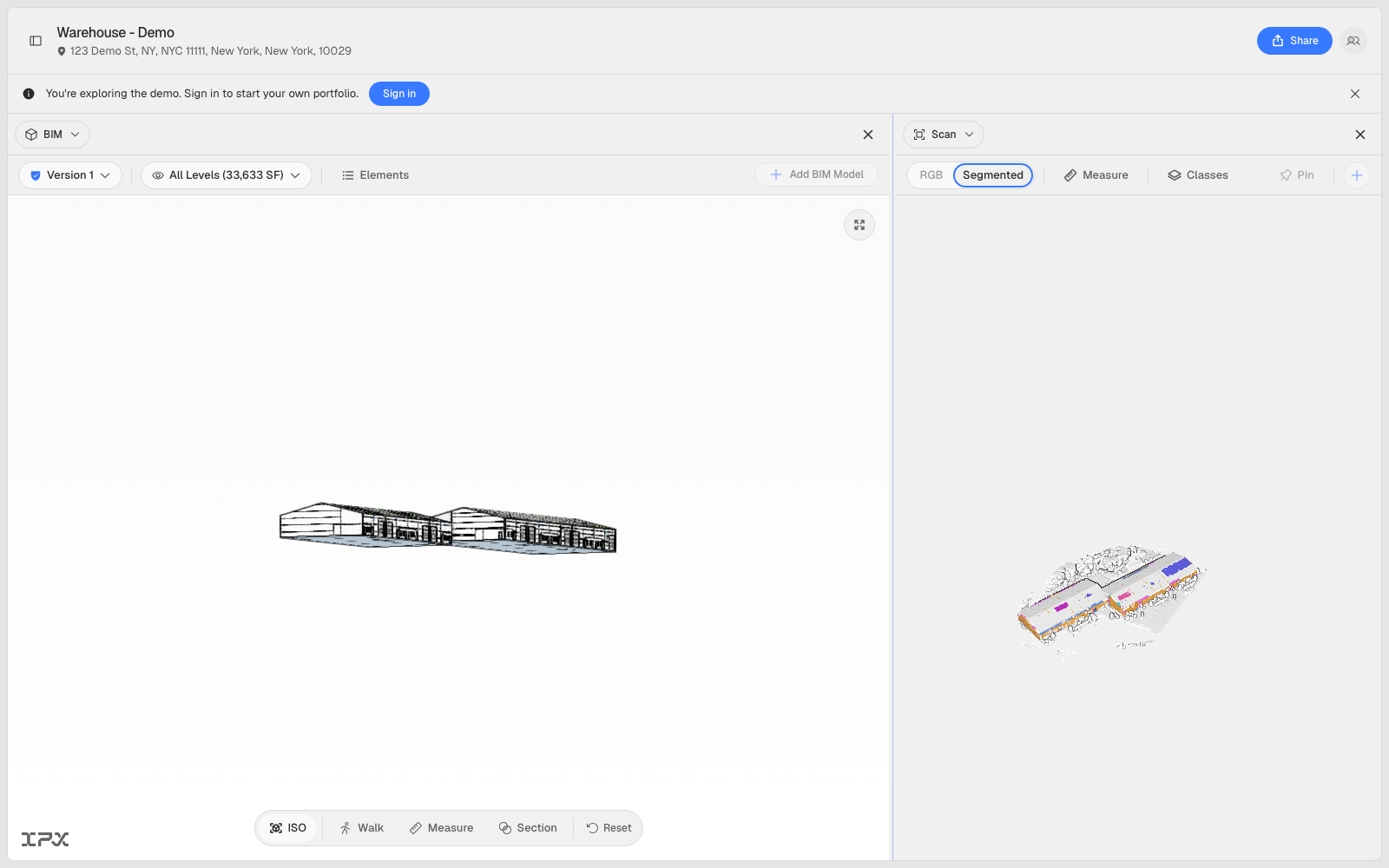
Drag the divider to give one side more room, double-click it to snap back to even, or nudge it with the arrow keys. Each pane's toolbar adjusts on its own as the pane narrows, so the controls you reach for stay within reach even at half width. Split view works across BIM, CAD, Scan, Map, Images, and Report.
Getting started
Open a location, land on any of the views above, and click Split view at the top right. Set the second pane from its picker. Close a pane with its X to drop back to a single view. The split is kept in the page address, so a link you share opens straight to the same two views your teammate was looking at.
Good to know
Split view is built for desktop, where there is room for two panes to breathe. On a phone it stays single-view, and a split link shared from a desktop opens as one view until you are back on a larger screen, then restores the split on its own. Activity and Site Monitoring stay full-width and are not part of split view.