Platform
Import from Autodesk Forma
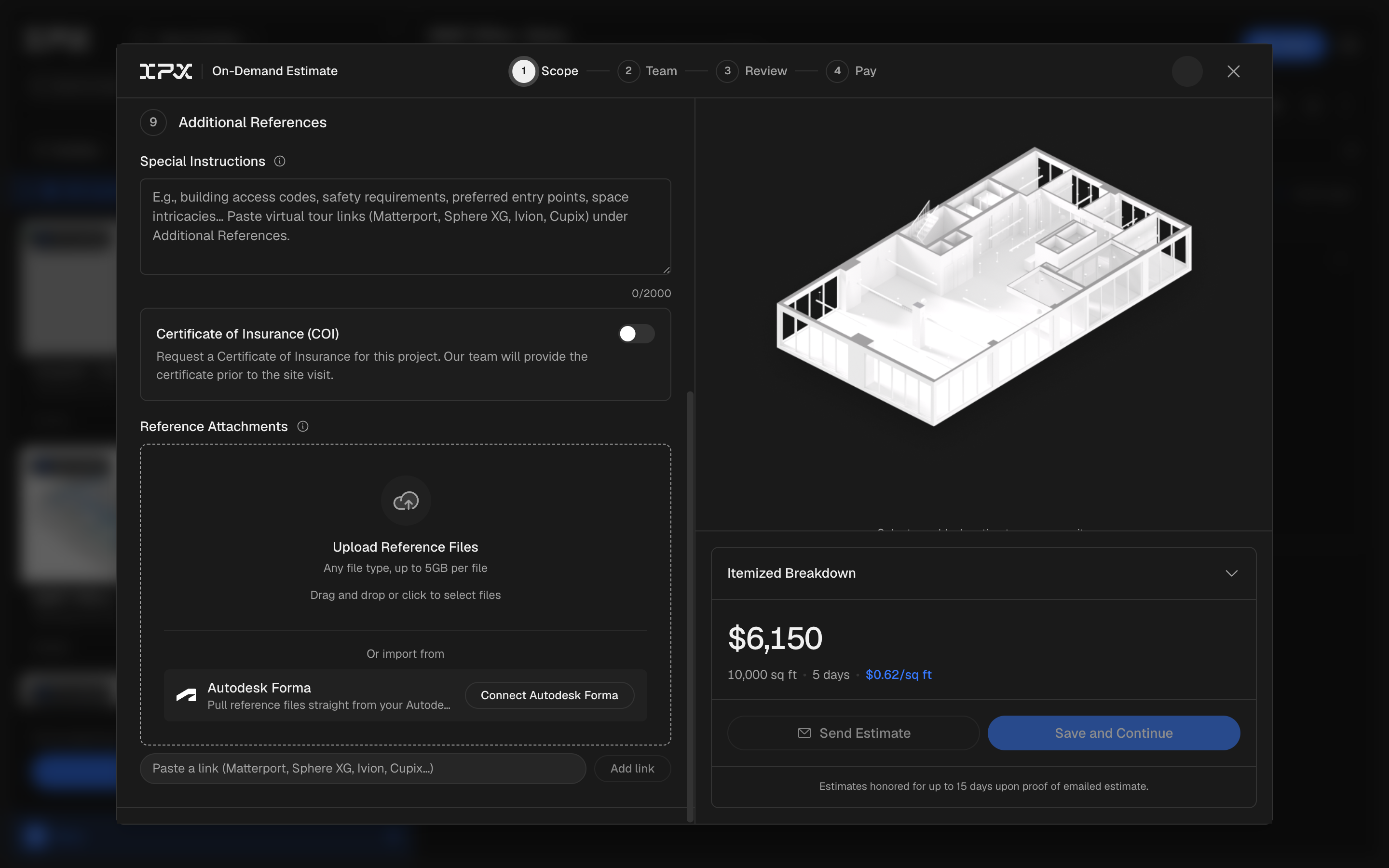
Connect your Autodesk Forma account and pull point clouds and reference files straight into an IPX order, no download or re-upload required.

Connect your Autodesk Forma account and pull point clouds and reference files straight into an IPX order, no download or re-upload required.
The problem
If your point clouds or drawings live in Autodesk Forma, getting them into an IPX order meant downloading the file from Forma, then uploading it again by hand. For a large point cloud, that round trip is slow, and it's an easy place to grab the wrong version of a file.
How it works
Once you connect your Autodesk Forma account, you can browse your Forma projects and folders directly from inside an IPX order and pick the file you need. It streams straight into the order, the same as a manual upload, and the upload is resumable if your connection drops.
This works for the point cloud you're submitting for processing, and for Additional References attached to the order, like PDF, DWG, RVT, and IFC drawings, up to 5 GB per file. Your Forma data moves into the order without ever landing on your desktop.
Getting started
Go to Settings → Integrations and connect your Autodesk Forma account. From there, start or open an order, and where you'd normally upload a point cloud or an additional reference, choose the import from Forma option to browse your projects and select a file.
Good to know
Additional reference imports are capped at 5 GB per file. If your Forma connection was previously listed as Autodesk Construction Cloud (ACC), it now appears as Autodesk Forma, reflecting Autodesk's rebrand of the product.