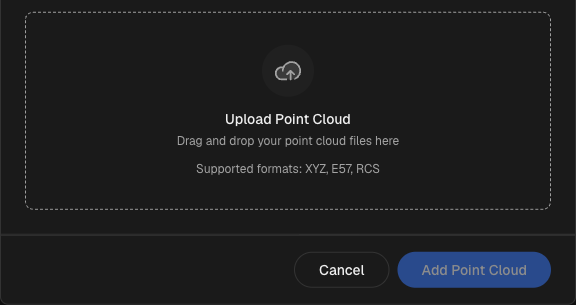
BIMIT Engine uploads are now self-service. A new modal, accessible from the sidebar, lets you submit a point cloud file, assign it to a location in your portfolio, and watch it move through processing — without leaving the platform or involving IPX staff.
Uploading a file
Open the sidebar and select BIMIT Engine to launch the upload modal. Drop your point cloud file into the upload area or click to browse. Large files are handled automatically using multipart upload, so you can submit scans of significant size without the transfer failing partway through. Once the upload starts, a progress indicator shows how much has transferred.
After the file is uploaded, assign it to a location in your portfolio. This connects the resulting model to the right building in your account so it appears alongside any other deliverables for that site.
Quota and pipeline visibility
The modal displays your current usage against your plan's quota before you submit. You can see how many uploads you've used and how much capacity remains — so there are no surprises mid-workflow.
Once submitted, the pipeline status display updates to reflect where your file is in processing. Status steps are shown in sequence, giving you a clear picture of what's in progress and what's pending. You don't need to follow up by email to get a basic read on where things stand.
What to expect
Processing time depends on file size and complexity. The pipeline status display reflects the current stage; it does not provide a time estimate. If you have questions about a specific submission or its deliverables, contact your IPX account contact. Quota limits apply per your current plan — if you need to discuss capacity, reach out through your account settings.