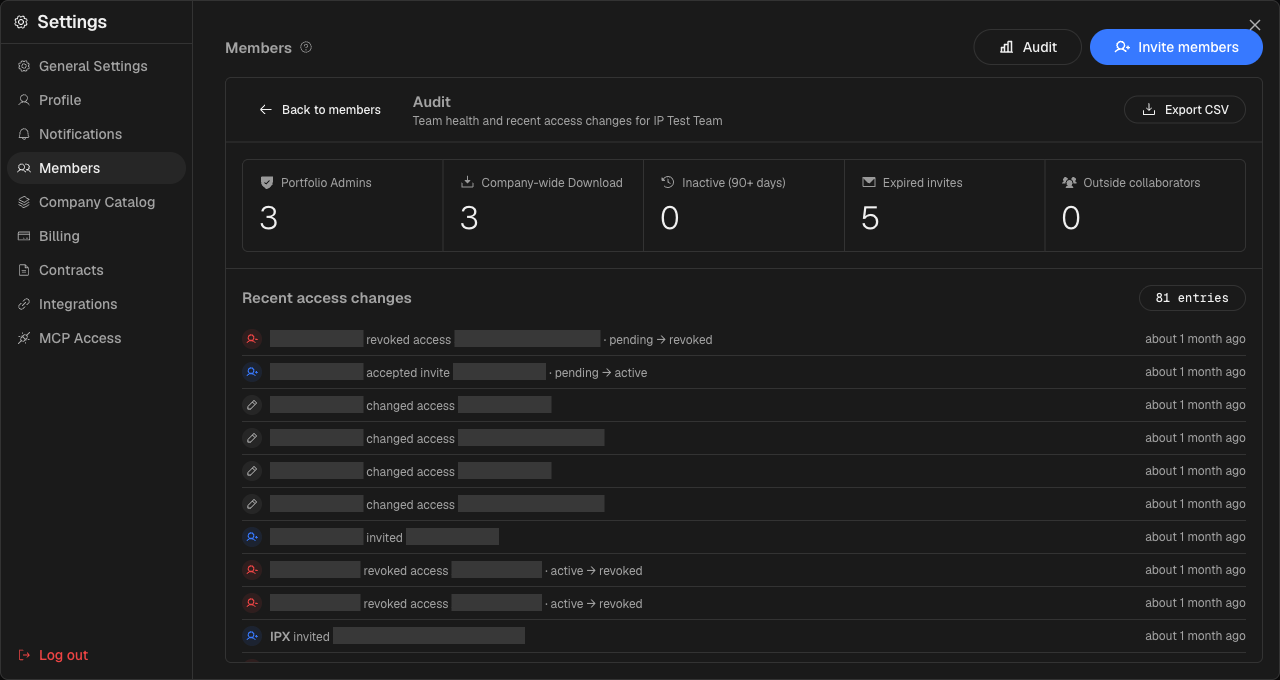
Open the Members tab on any portfolio and click Audit. Five tiles summarize the state of your team at a glance: how many people hold Portfolio Admin access, how many have download rights across every location in the portfolio, who has not signed in for the last 90 days, how many invitations have expired without being accepted, and how many outside collaborators are currently active.
Below the tiles, a feed of recent access changes shows every grant, downgrade, and removal — who made the change, who it affected, and when. When you need to hand the picture off to a security team or keep a record for your own files, Export CSV gives you everything in one download.
You can read more about managing access in the Manage members and invitations guide.