Request BIMIT from your own scan
Turn point-cloud scan data you already have into a verified BIM model by ordering BIMIT — upload your scan, choose scope and deliverables, and pay the deposit.

Turn point-cloud scan data you already have into a verified BIM model by ordering BIMIT — upload your scan, choose scope and deliverables, and pay the deposit.
Already have scan data for your building? BIMIT turns a point cloud you already own — from your own laser scanner, a reality-capture provider, or a previous IPX scan — into a verified, as-built Revit model. There's no field visit: you upload the scan, choose your scope and deliverables, and our team does the modeling.
BIMIT is ordered through the same wizard as a SCANIT scan — Scope → Team → Review → Pay — with one key difference: you upload your point cloud instead of scheduling a site scan.
In the left sidebar, under Services, click Get verified as-builts to open the order wizard at Step 1 — Scope.
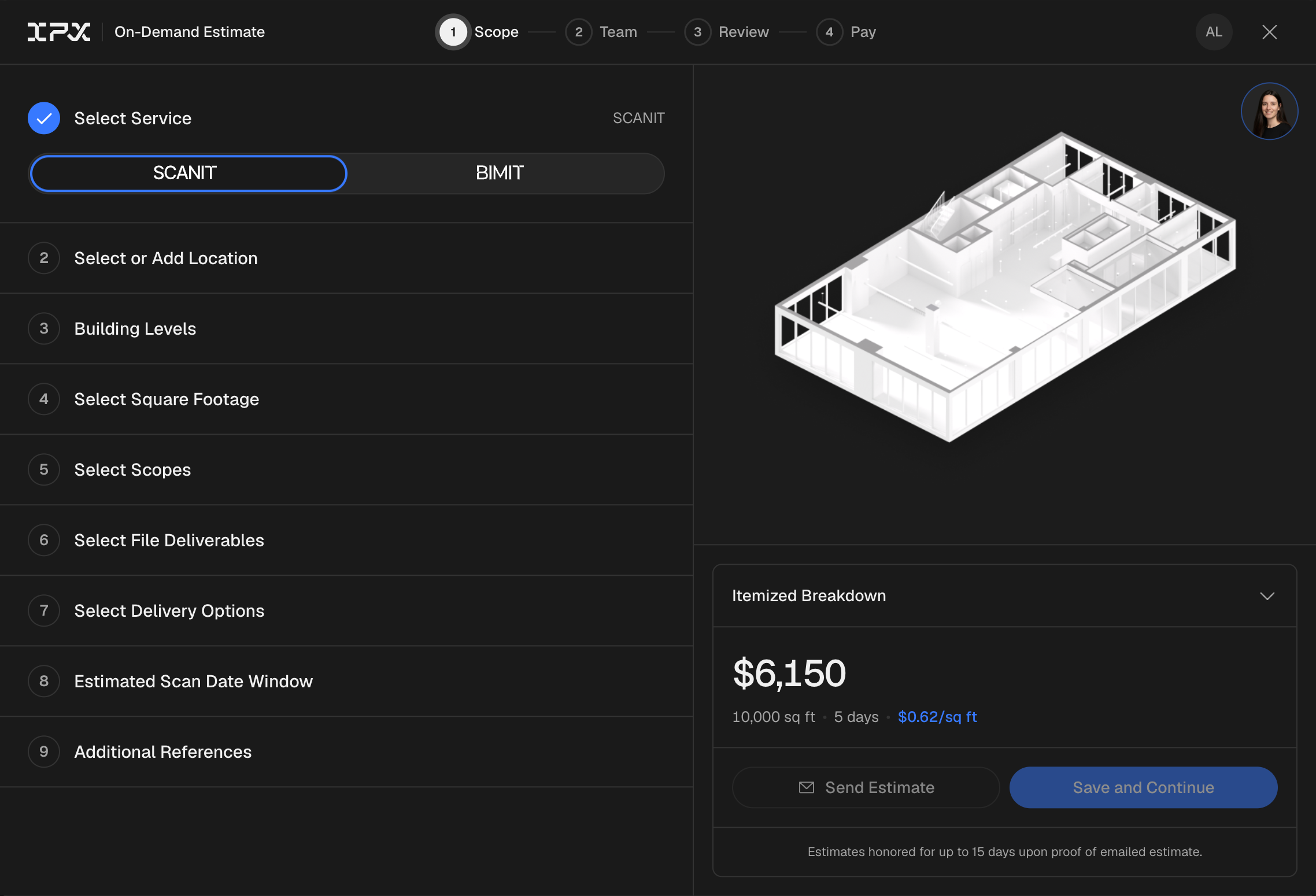
At the top of the Scope step, change the service type to BIMIT. The wizard updates to the BIMIT flow — the on-site scanning options are removed and an Upload Point Cloud step appears in their place.
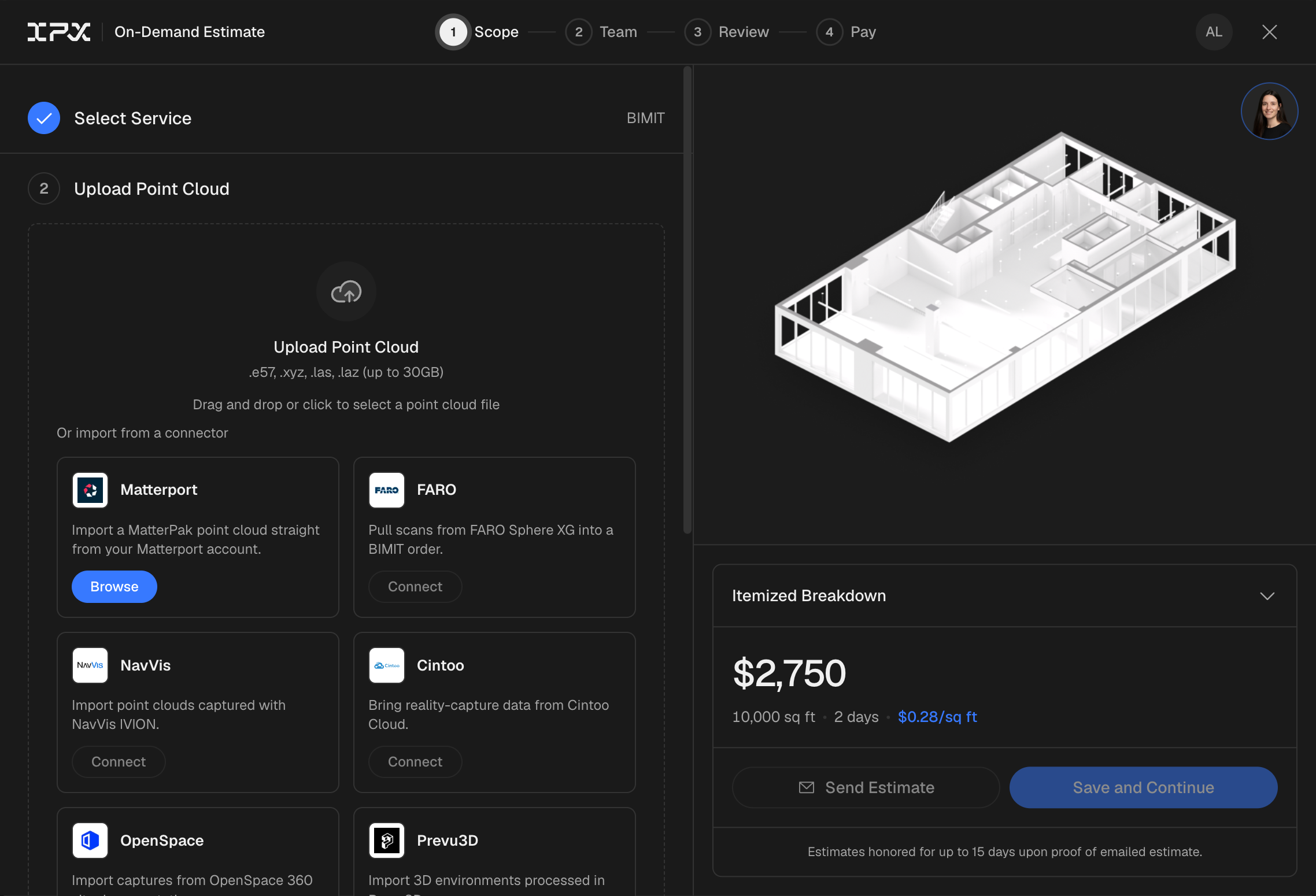
Upload your registered scan data. BIMIT accepts .e57, .xyz, .las, and .laz files up to 30GB — drag and drop, or click to browse. You can also import a MatterPak straight from your Matterport account; imports from FARO Sphere XG, NavVis, Cintoo, OpenSpace, and Prevu3D are coming soon. A point cloud is required for a BIMIT order — it's the scan data we model from.
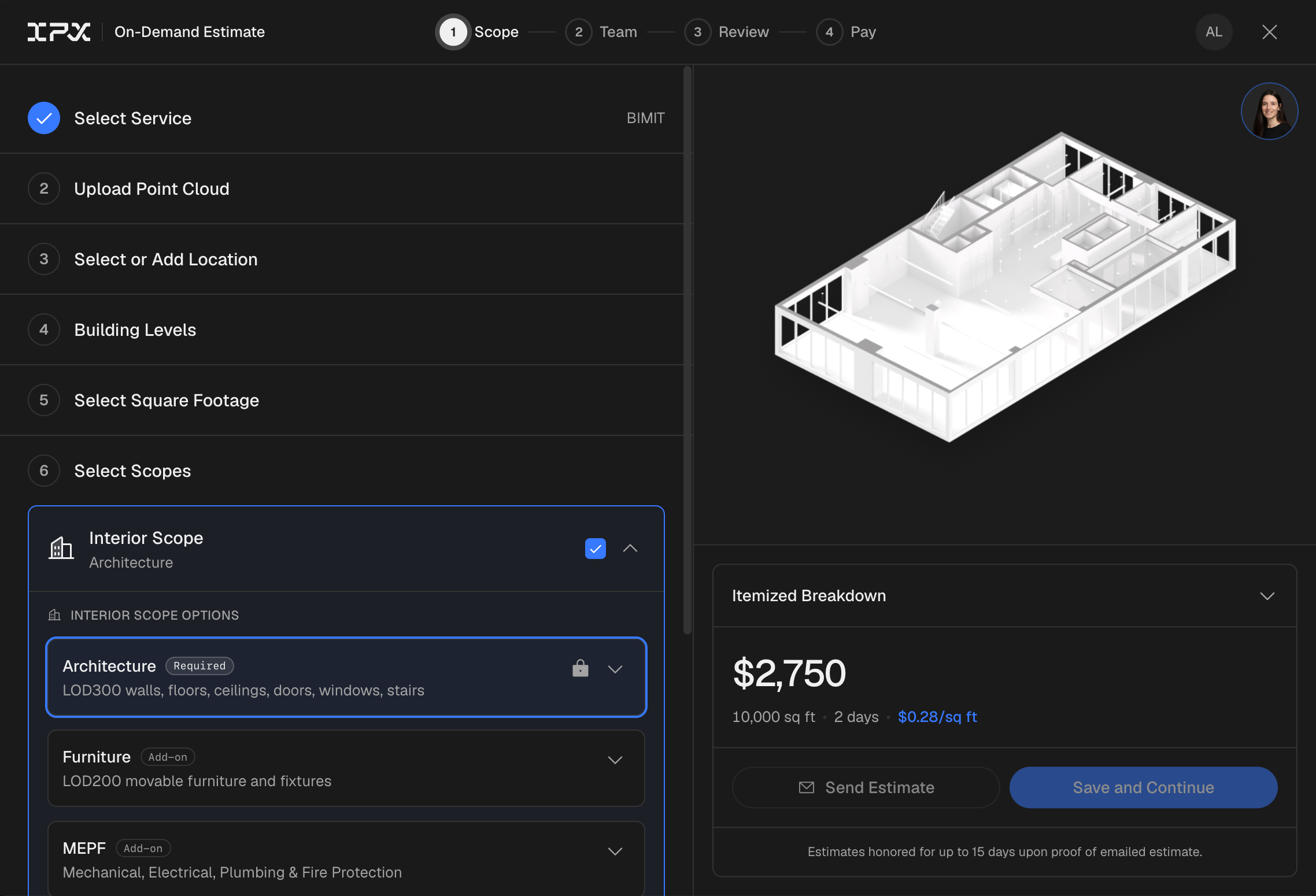
Pick your location, building levels, and square footage, then choose your scopes and deliverables. Architecture is required and included by default (LOD 300 — walls, floors, ceilings, doors, windows, stairs); add Furniture (LOD 200) or MEPF as needed, plus exterior and site scope. Under deliverables, pick your Revit version, point cloud, and floor plans. Everything except the on-site scan matches a SCANIT order — see How to Order a SCANIT Scan for the full breakdown. Your itemized estimate updates live as you choose.
Optionally invite teammates on Step 2 — Team, then on Step 3 — Review check the summary and sign the Service Authorization Form. On Step 4 — Pay, pay the 50% deposit. You'll see an Order Confirmed screen when it's done.
BIMIT models from a registered point cloud of your building. If you only have raw, unregistered data or aren't sure it's suitable, order a SCANIT scan instead — our technicians capture and register everything for you.
Our team reviews the order within 24 hours and emails a confirmation with your invoice. Track progress anytime from the Activity tab; the remaining 50% balance is invoiced when your deliverables are complete.