Explore your model with AI Query
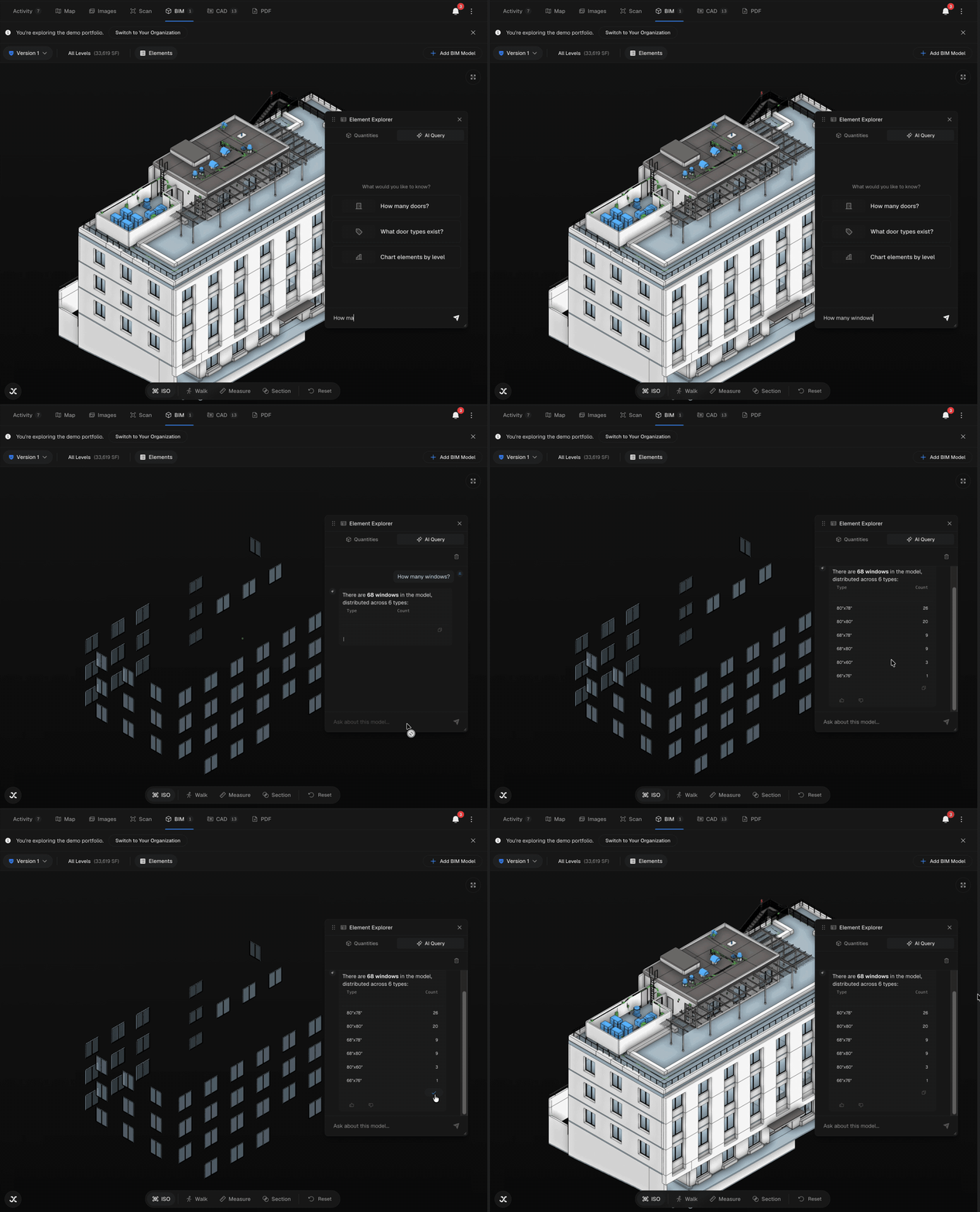
Ask natural-language questions about a BIM model in the viewer — get answers as text, tables, and charts, copy tables, isolate elements in 3D, and reset to the full model.
AI Query lets you ask plain-language questions about a BIM model and get answers right in the viewer — as text, tables, and charts. You can copy answer tables, have the AI isolate elements in the 3D model, and ask more complex comparison questions to dig into the model.
AI Query lives in the BIM viewer and is available to IPX administrators. If you don't see the AI Query tab, your account doesn't have access.
Using AI Query
Open AI Query
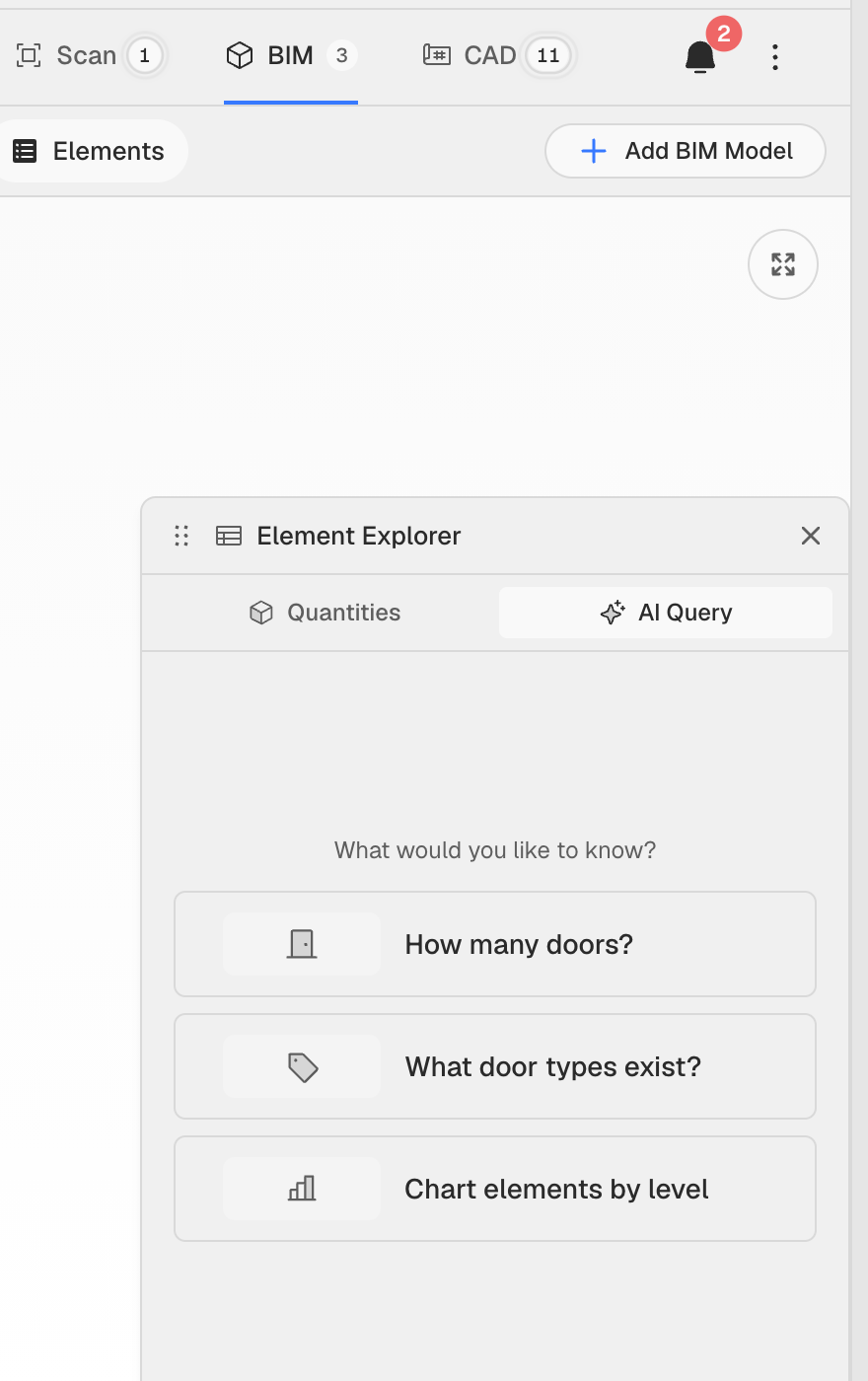
Open a location and go to its BIM tab to load a model. In the Element Explorer panel on the right, switch to the AI Query tab (the sparkle icon next to Quantities). The first time it opens, it briefly scans the model so it can answer accurately.
Ask anything about the model
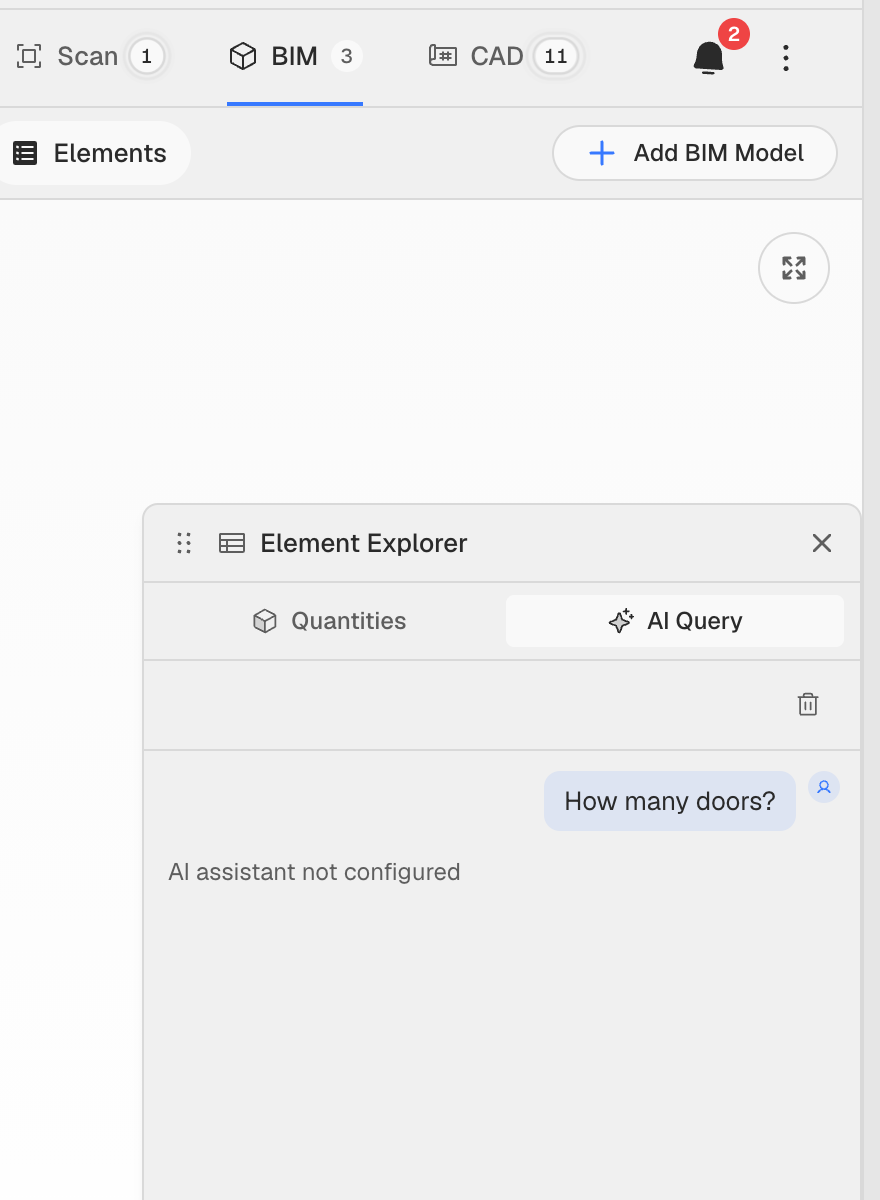
Type a question in the Ask about this model… box and press Enter. Not sure where to start? Tap a suggested prompt such as How many doors?, What door types exist?, or Chart elements by level. Answers stream back in plain language.
Copy answer tables
When an answer comes back as a table, click the copy icon below it to copy the whole table to your clipboard — paste it straight into a spreadsheet or email. The icon turns into a checkmark to confirm the copy.
See answers as charts
Ask for a breakdown — for example Chart elements by level — and AI Query renders an interactive chart (bar, pie, and more). Hover any segment to see the exact count.
Isolate elements, then Reset
For questions about specific elements, AI Query can isolate them in the 3D model so only those elements are shown — handy for seeing exactly what you asked about. When you're done, click Reset in the viewer toolbar at the bottom to bring the full model back.
AI Query isn't limited to simple counts. You can ask comparison and multi-part questions — like comparing element counts across levels or types — and it will break the answer down into tables and charts.