You now get an email every time your standard order moves to a new stage, from the first estimate through final delivery, with the key milestones landing in your in-app notifications too.
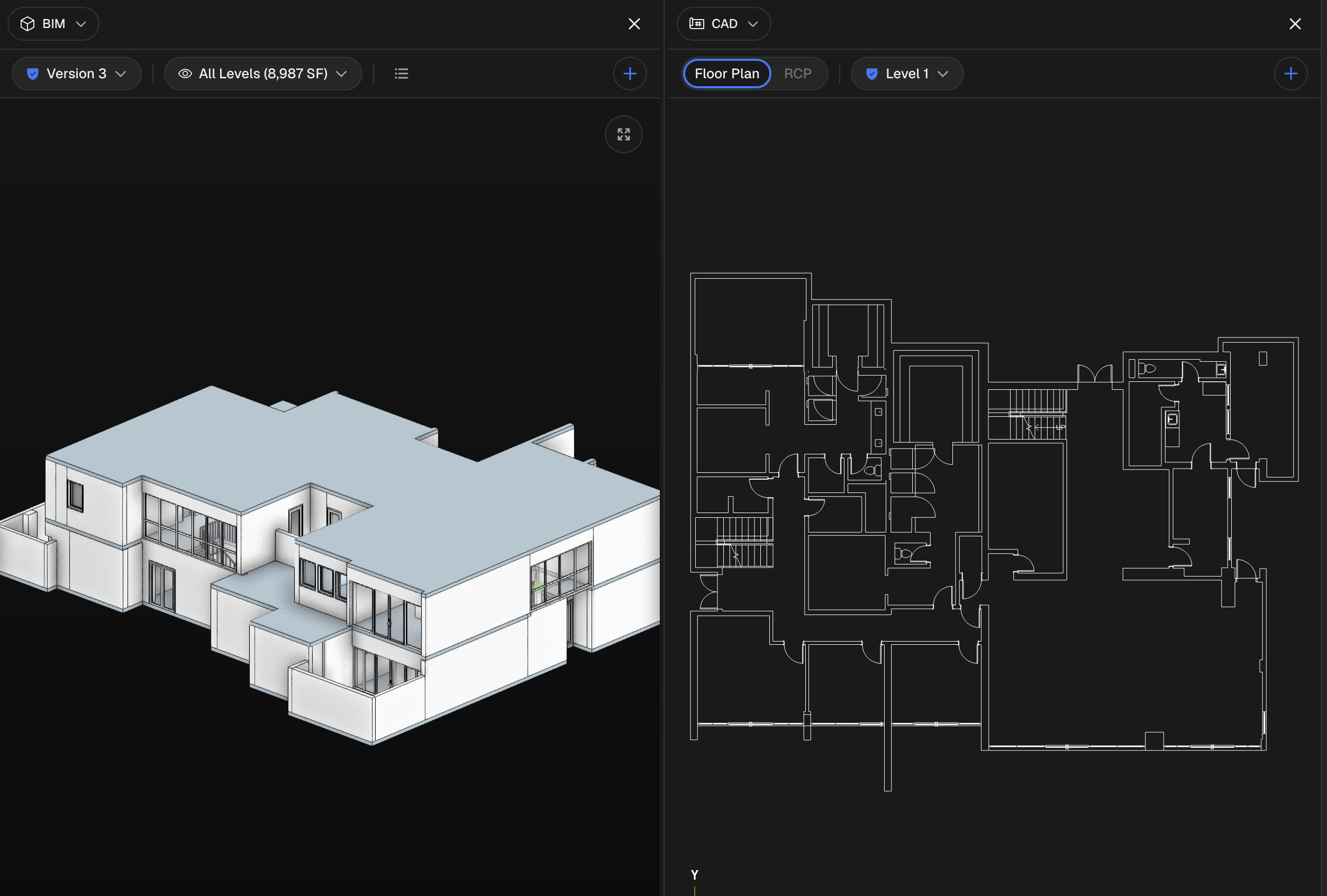
Comparing two versions of a model side by side used to label each pane "Version 1" or "Version 2," so you had to check the version selector separately to know which version you were actually looking at.
Draw a property's site boundary and building footprints directly on a satellite map, and get interior and site square footage without leaving the page.
Until now, getting a Matterport scan into a BIMIT order meant downloading the point cloud from Matterport, then uploading it again through the order form — an extra manual step that could take time and leave room for file-handling errors.