Before this change, people invited to a specific location as an external collaborator would accept their invitation and then see nothing useful — just an empty state or a demo portfolio, with none of the content they were invited to access.
Share

Shipped in January 2026.
Before this change, people invited to a specific location as an external collaborator would accept their invitation and then see nothing useful — just an empty state or a demo portfolio, with none of the content they were invited to access.
Switching between CAD and BIM views, or navigating between locations in the sidebar, used to reload files from scratch each time — adding noticeable wait time when moving around a project.
Finding the right order in the Activity tab and quickly understanding what's been delivered used to require cross-referencing technical IDs and digging through step counts that didn't always reflect the full picture.
Two layout bugs in the BIM viewer are resolved.
Uploading a Revit file and switching to the BIM tab immediately could crash the viewer if the model hadn't finished processing yet.
When working across multiple organizations, the upload modal used to show every location you had access to — across all orgs — making it harder to pick the right one quickly. And on smaller screens, the upload action wasn't easy to find at all.
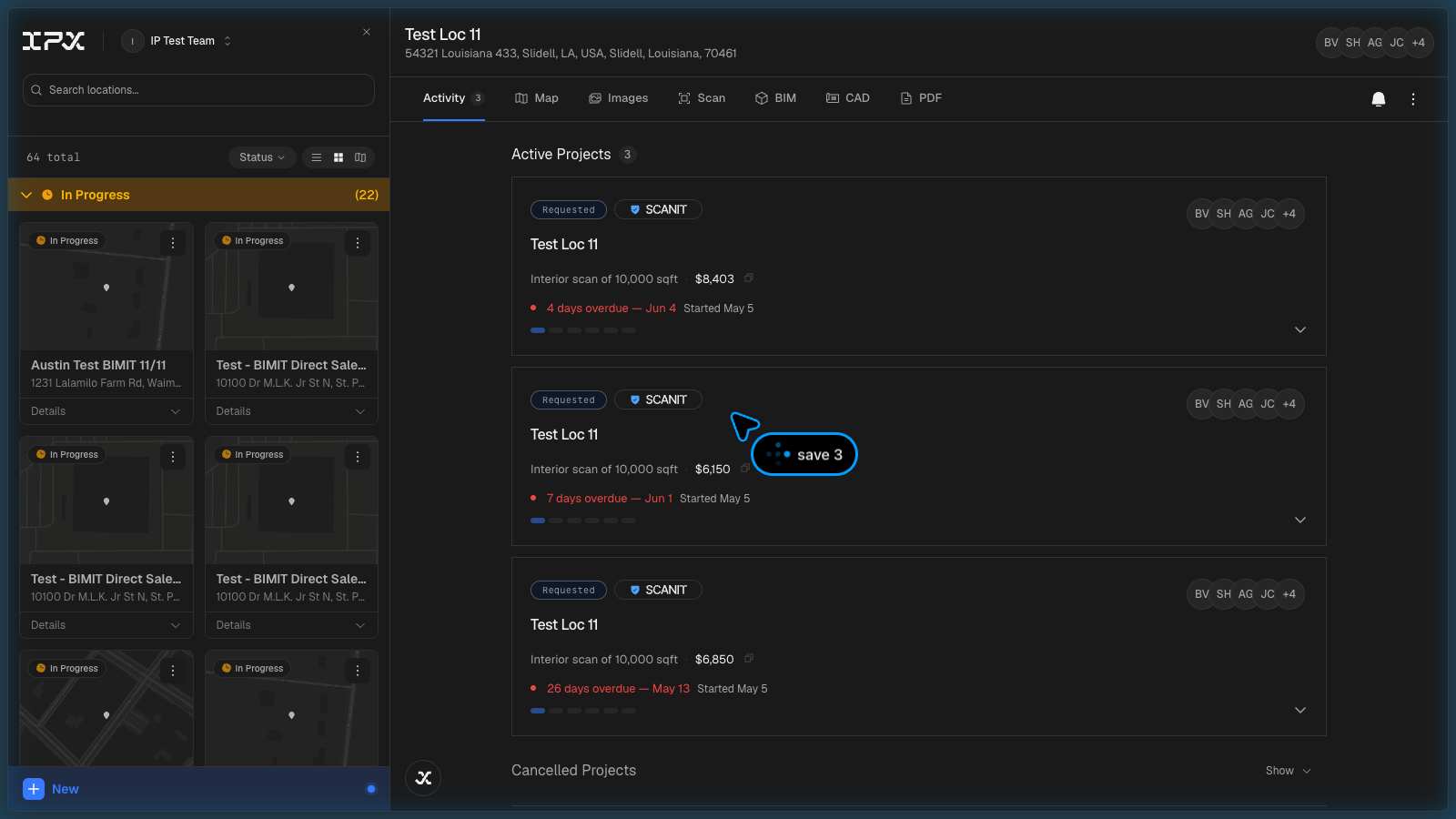
The IPX Platform has always required a laptop or desktop to use comfortably. You can now access your projects, review models, browse images, manage team members, and update settings from a phone or tablet.
Read moreAssigning files to the right floor during upload used to require manual entry every time, and the upload modal gave little feedback about what you were actually adding or where it would land.
Until now, uploading a Revit file (.RVT) to a project stored the file but left it flat — you could download it, but you couldn't view the geometry directly in the platform. Seeing the model required opening it locally in Revit or a compatible viewer.
Finding a specific photo inside a project used to mean scrolling through a flat grid with no way to filter by where in the building the image was taken or what space it showed.
Previously, uploading a file to a project meant navigating away from whatever tab you were working in, finding the upload entry point, and then manually selecting the right asset type and location. If you landed on an empty tab, there was no direct path to add what was missing.
Until now, correcting a location's name or address meant hunting through settings pages. You can now make both edits directly from the location header, without leaving the page you're working on.
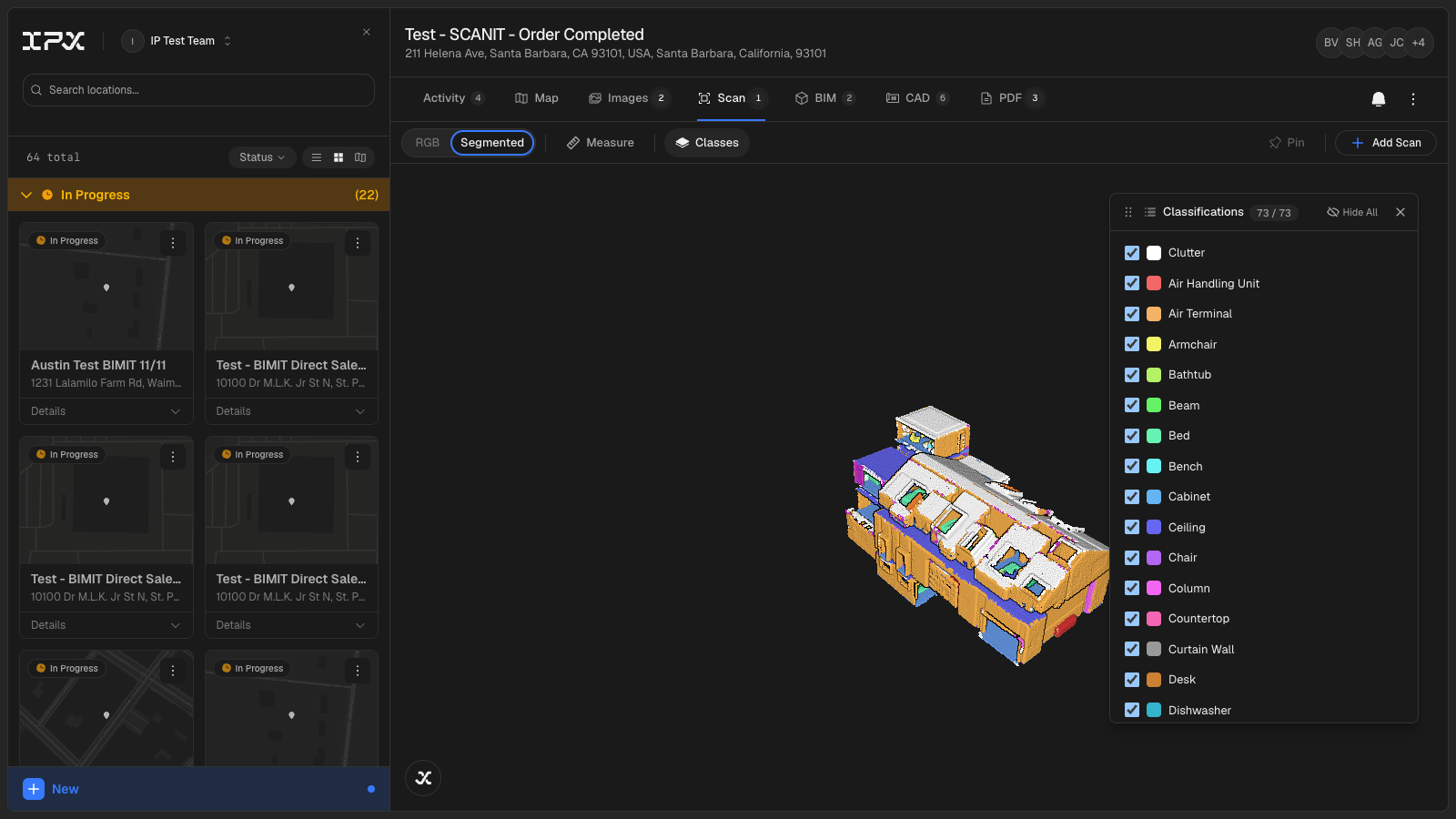
Until now, submitting a point cloud for BIMIT processing meant handing files off through a separate channel and waiting for a status update from the IPX team. You had no direct way to upload, monitor progress, or see where your file sat in the pipeline — all from inside the platform.
Read moreIf you tried to share a project with someone who already belonged to your organization, the invite modal would silently fail or surface a cryptic error with no guidance on what to do next.
When placing an order that included scanning, add-ons, or Fast Track, the final price shown at checkout did not match the sum of the itemized breakdown — it reflected only the BIM modeling cost.
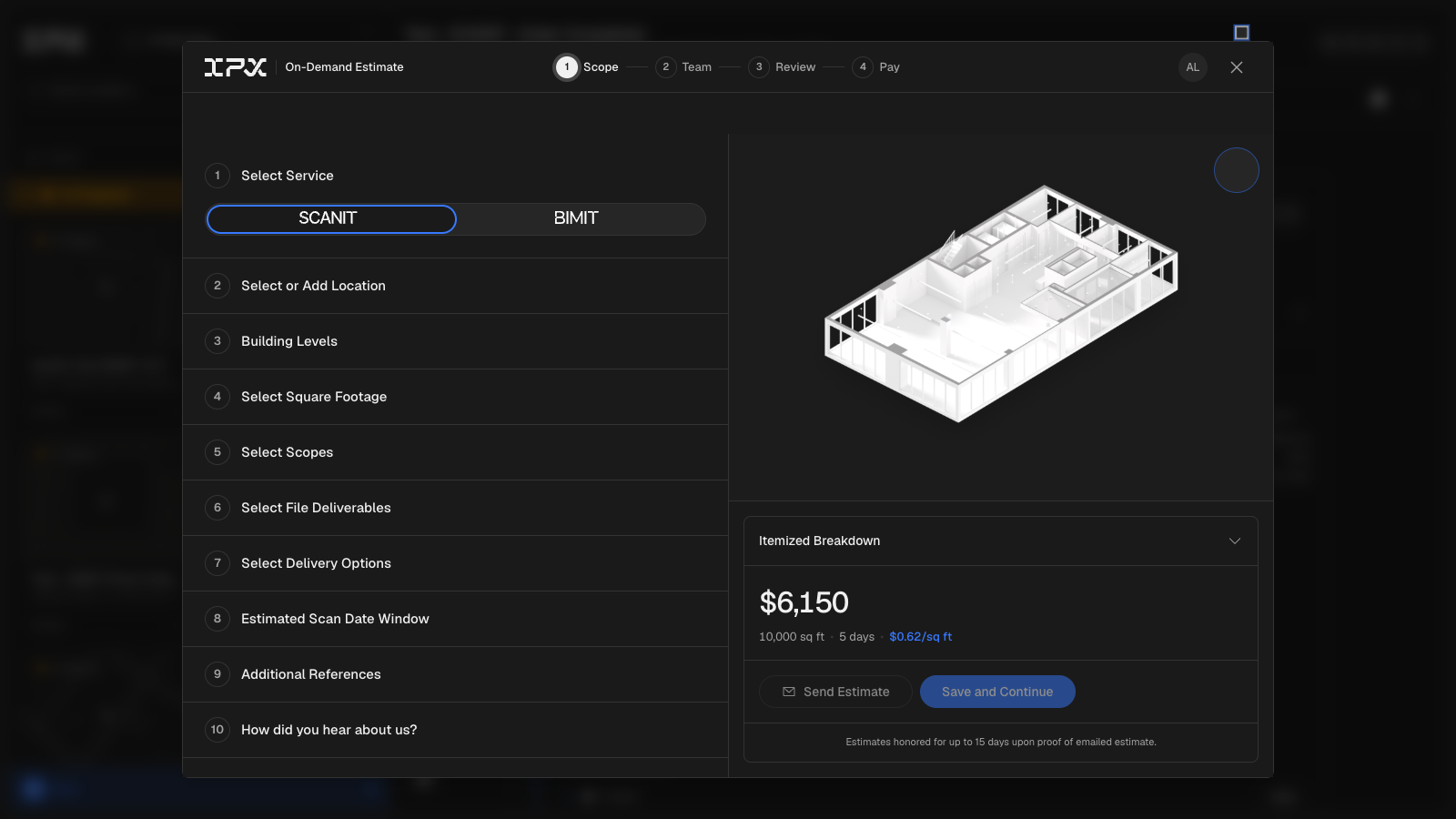
Getting a cost estimate for a scan-to-BIM project used to mean waiting for a quote. Now the service request form calculates pricing in real time as you fill it in.
Read moreBefore this change, sharing a project estimate required copying a link or entering an email address with no connection to who's actually on your team. There was no way to tell, at the moment of sending, whether the recipient had access to the project.
The Settings modal previously felt spacious to the point of being hard to scan — controls were spread out and the theme toggle was buried.