How pricing works
Understand how SCANIT and BIMIT orders are priced: the live itemized estimate, what drives the cost, the 50% deposit, and how to share a quote.

Understand how SCANIT and BIMIT orders are priced: the live itemized estimate, what drives the cost, the 50% deposit, and how to share a quote.
IPX pricing is standardized, not quoted. Every SCANIT and BIMIT order is priced by the same rules, and you see a full, itemized estimate in the order wizard before you commit to anything. There are no hourly fees and no lump-sum proposals to wait on.
In the left sidebar, under Services, click Get verified as-builts. The itemized estimate appears alongside Step 1 — Scope and stays visible while you configure the order.
Every scope, deliverable, and add-on you select gets its own line item showing its cost, its price per square foot, and its production timeline. Line items roll up into a subtotal per service, and the total shows the complete price and the expected timeline in days.
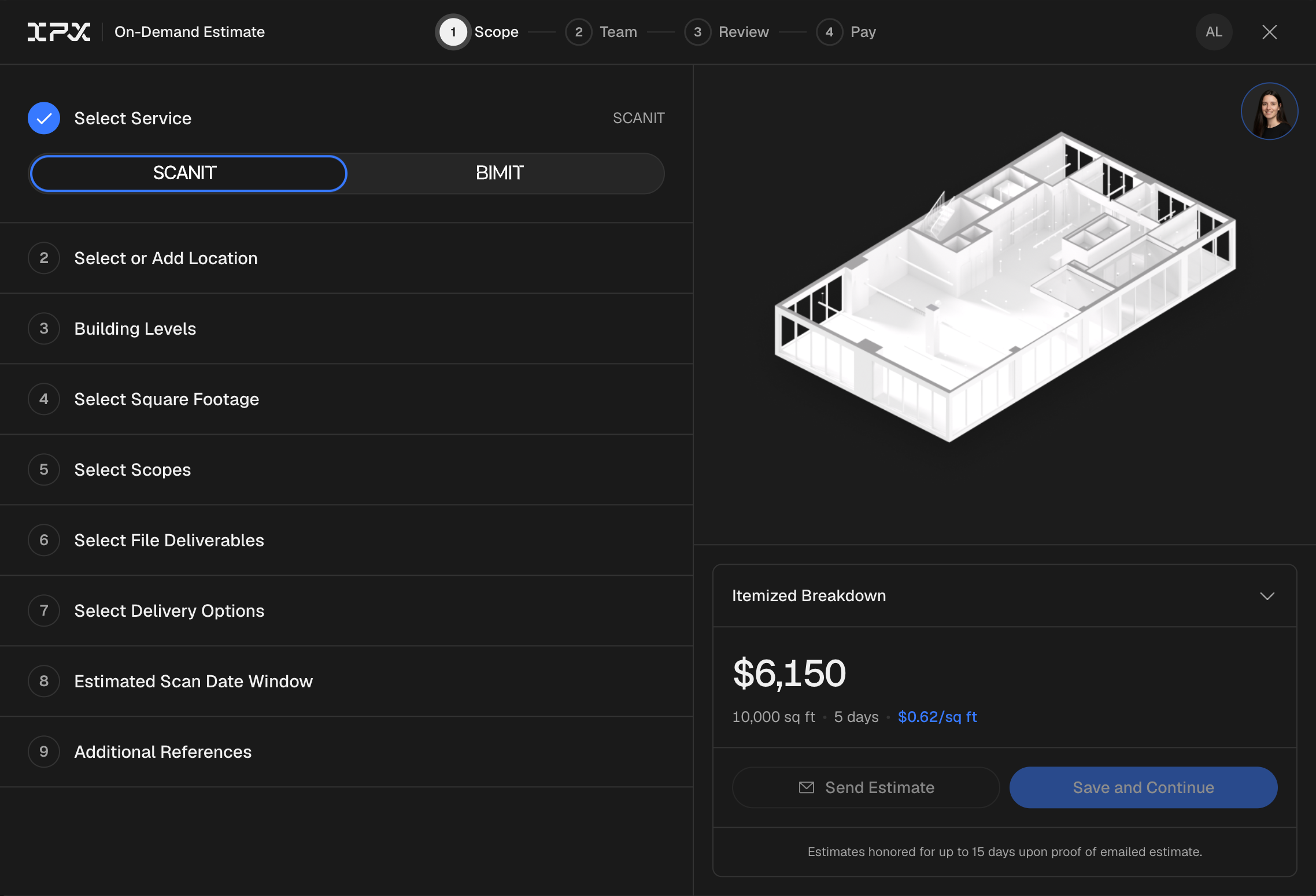
The estimate recalculates instantly whenever you change:
The estimate you see in the wizard is the price you pay. It only changes if you change the order.
You pay a 50% deposit to confirm the order. The remaining balance is invoiced when your deliverables are completed. Your invoice is always available from the Activity tab, where you can also download a PDF copy.
You don't have to order right away:
Organizations on an IPX enterprise plan see plan-covered scopes marked as included in the estimate, and only on-demand add-ons are billed per order. If you'd like to talk about a plan for your portfolio, contact us at support@integratedprojects.co.