Help centerHelpChangelogChangelog
  • All updates
    • November
    • October
    • September
    • August
    • July
    • June
    • May
    • April
    • March
    • February
    • January
  • Releases
    • November
    • October
    • August
    • July
    • June
    • May
    • March
    • February
    • January
  • Technical updates
    • November
    • October
    • September
    • August
    • July
    • June
    • May
    • April
    • March
    • February
    • January

Changelog

All
IPX PlatformBIMIT EngineBIMIT Standards

February 22

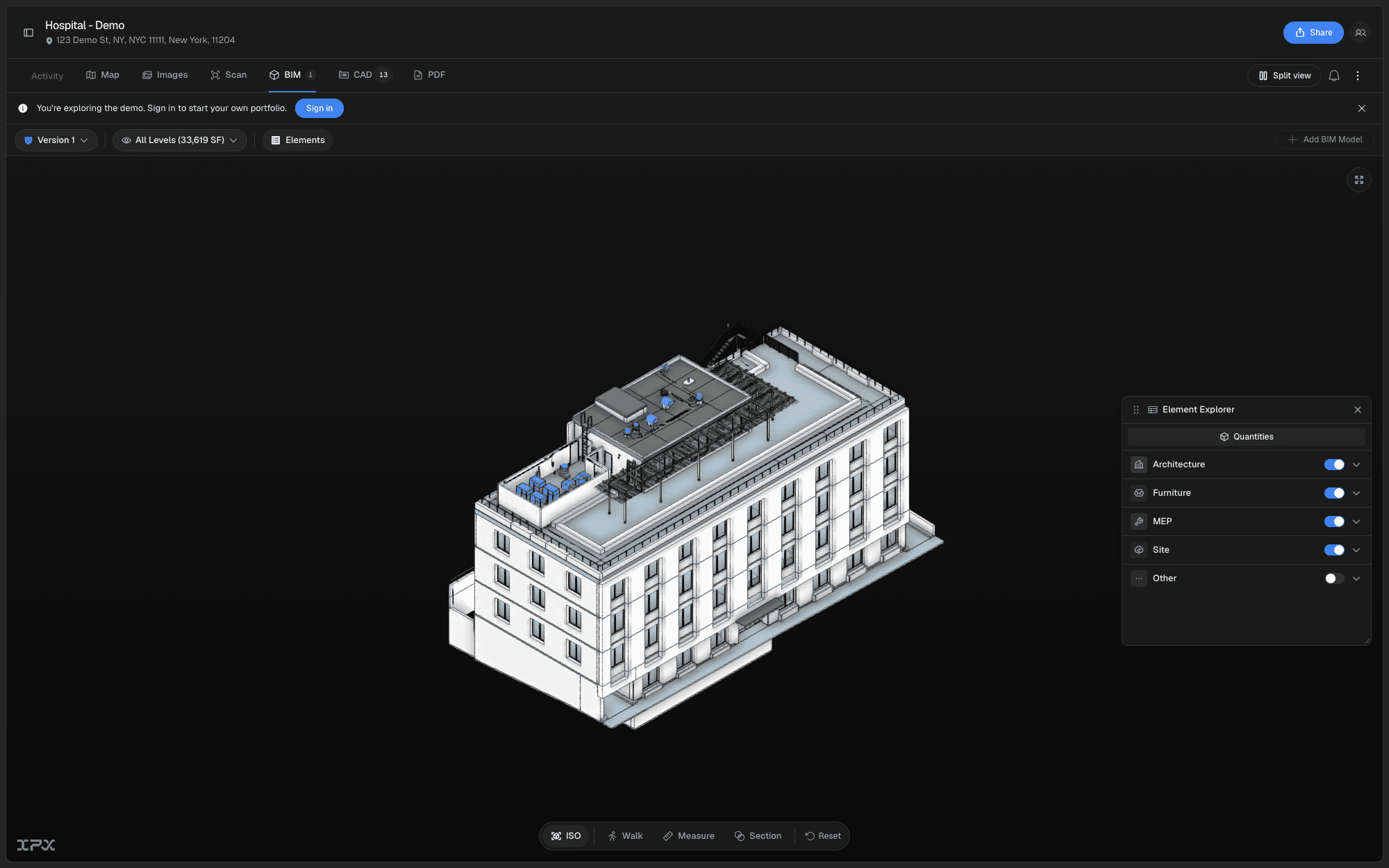
BIM viewer toolbar with navigation, measurement, and section tools

Navigating and interrogating a 3D BIM model used to mean relying on the viewer's default controls, with no quick way to measure distances, cut a section through the building, or walk through the space.

The Hospital-Demo building open in the BIM viewer, floating toolbar visible (ISO/3D, Walk, Measure, Section) with the Element Explorer open on the side showing the Site scope

February 17

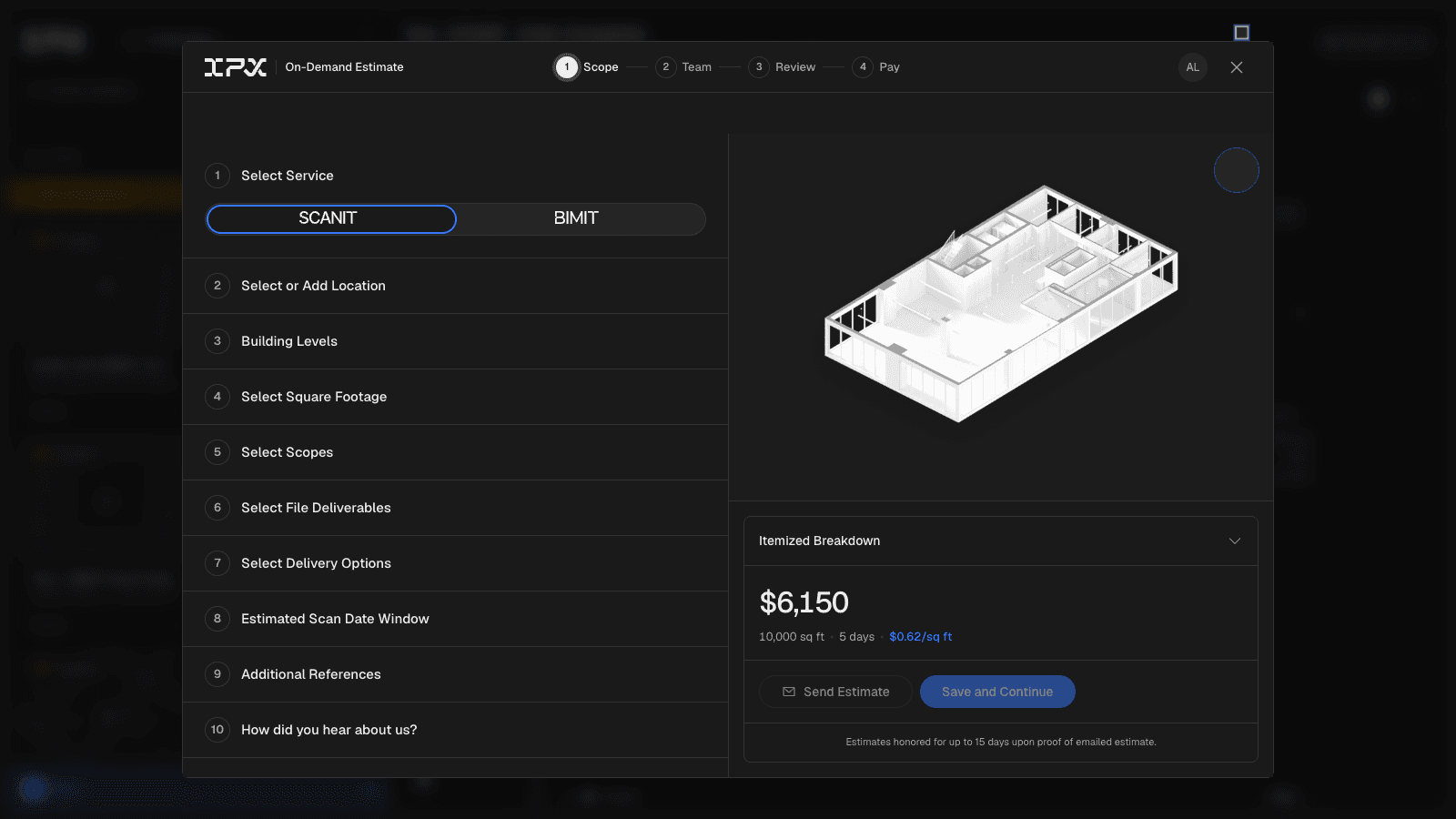
Complete order flow: estimates, checkout, and confirmations

Previously, submitting a BIMIT or SCANIT order meant going back and forth over email to align on scope, pricing, and payment. There was no single place to build, review, share, and pay for a request.

The multi-step checkout wizard at the Review step, showing itemized deliverables, location map, and the payment CTA — ideally with the estimate summary visible

February 2

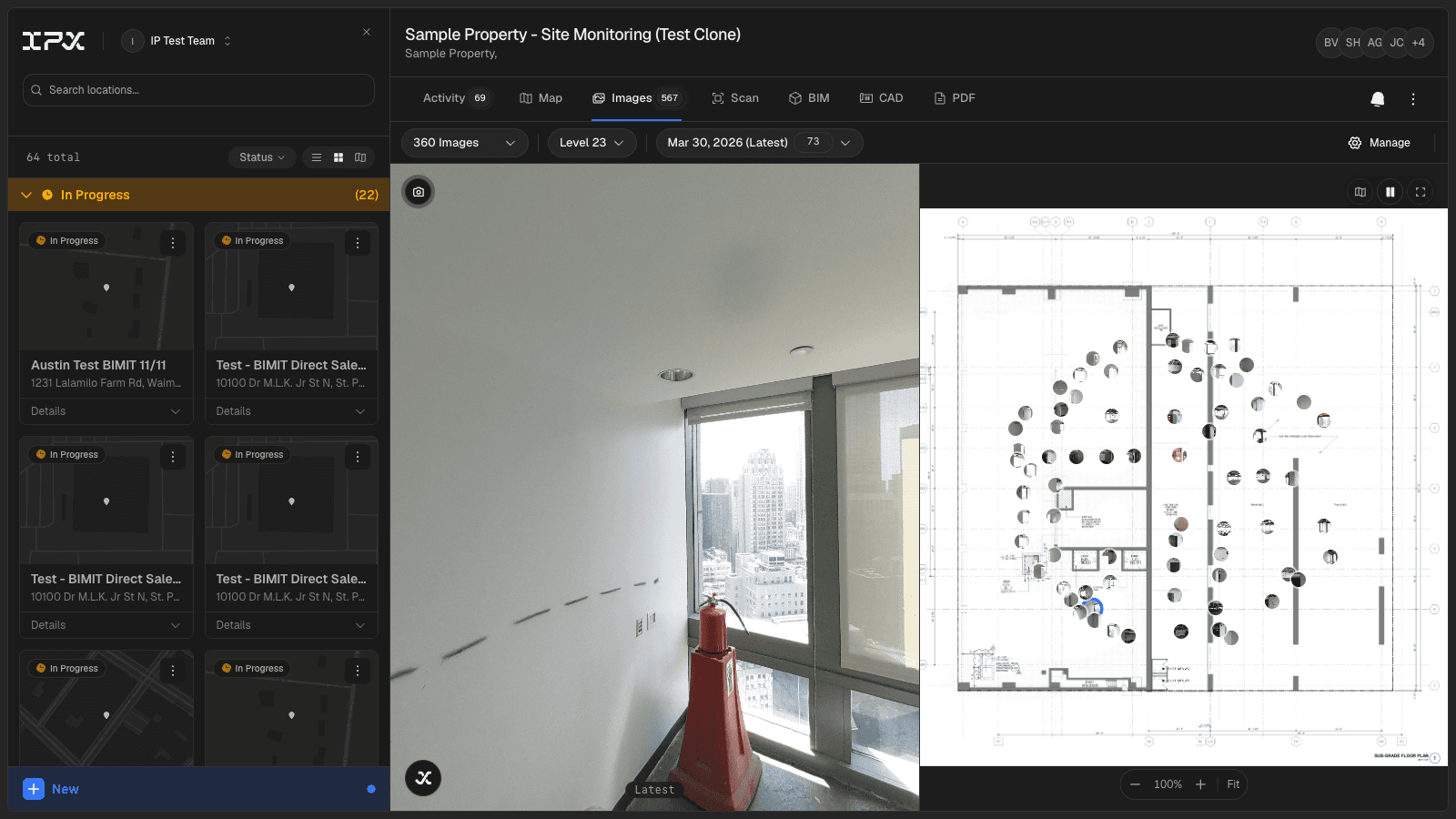
Site Monitoring tab — 360° captures, floor plans, and date comparison

Tracking conditions across a building over time — whether after a renovation phase, a recurring inspection cycle, or a phased fit-out — previously meant managing image folders offline and reconciling them against drawings by hand. The new Site Monitoring tab brings that workflow directly into the location viewer.
The Site Monitoring tab open in the location viewer, showing a floor plan with color-coded point markers, the 360° panorama panel open on the right, and the level/date toolbar visible at the top