Sign in to Your Account
Sign in to IPX Platform using your Google account, Microsoft account, or registered email address.
Sign in to IPX Platform using your Google account, Microsoft account, or registered email address.
This guide walks you through signing in to your existing IPX Platform account. You can sign in using your Google account, Microsoft account, or the email address you registered with.
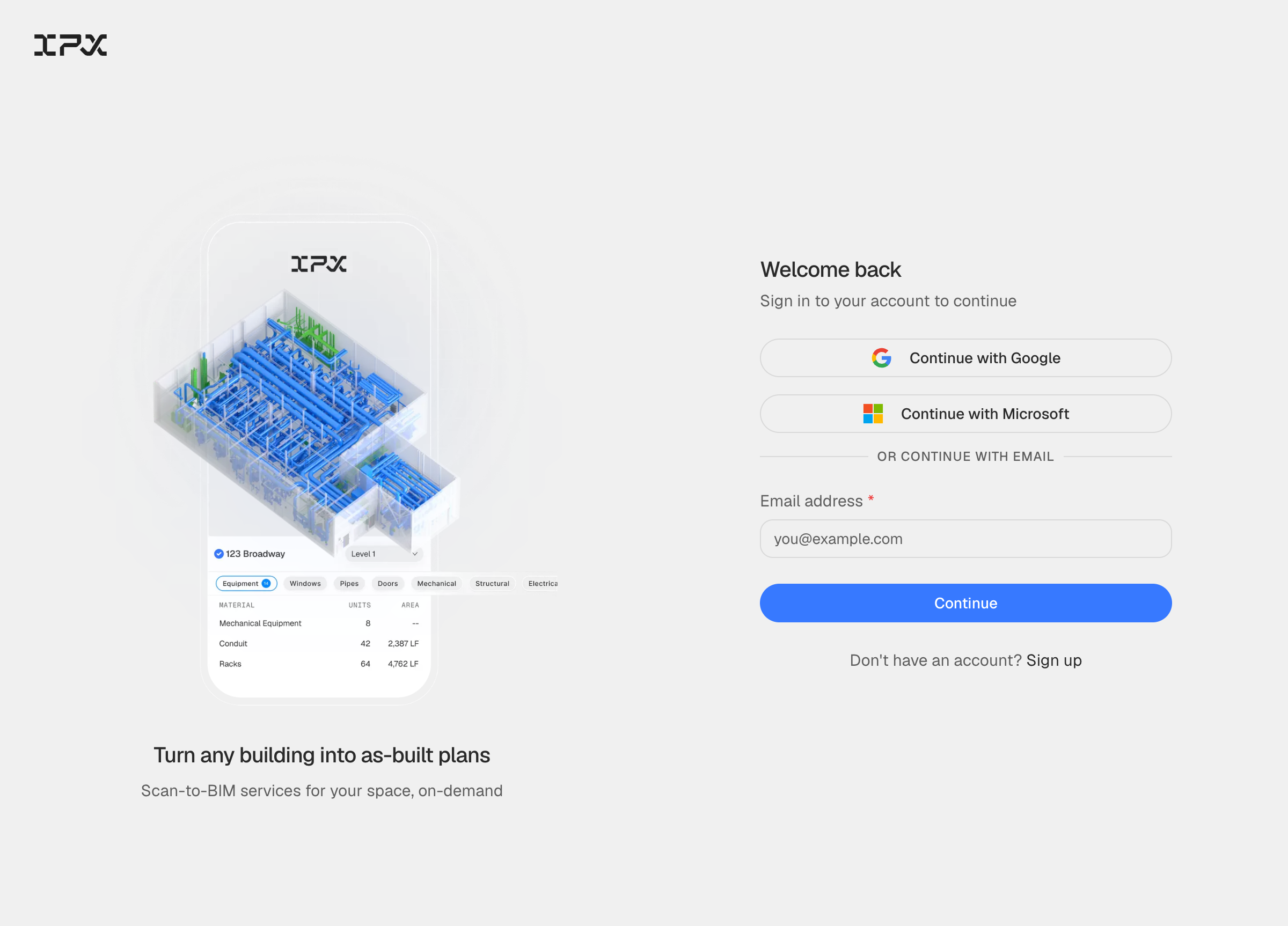
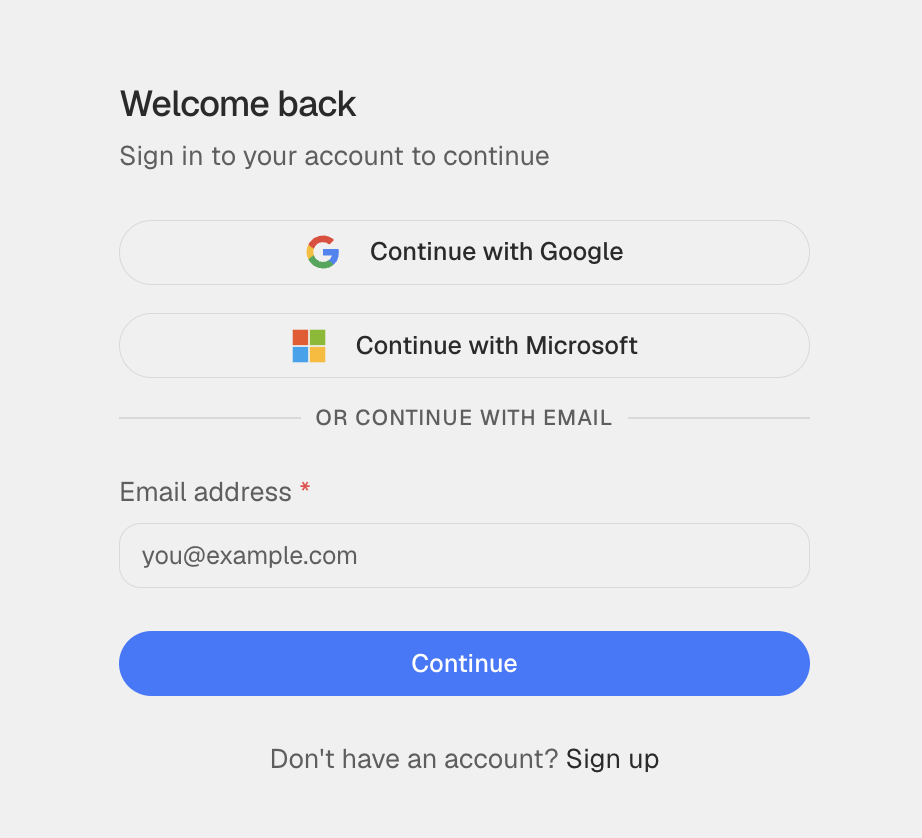
Go to the sign-in page. You will see three ways to continue: Continue with Google, Continue with Microsoft, or an email form below the divider. Choose the same method you used when you created your account.
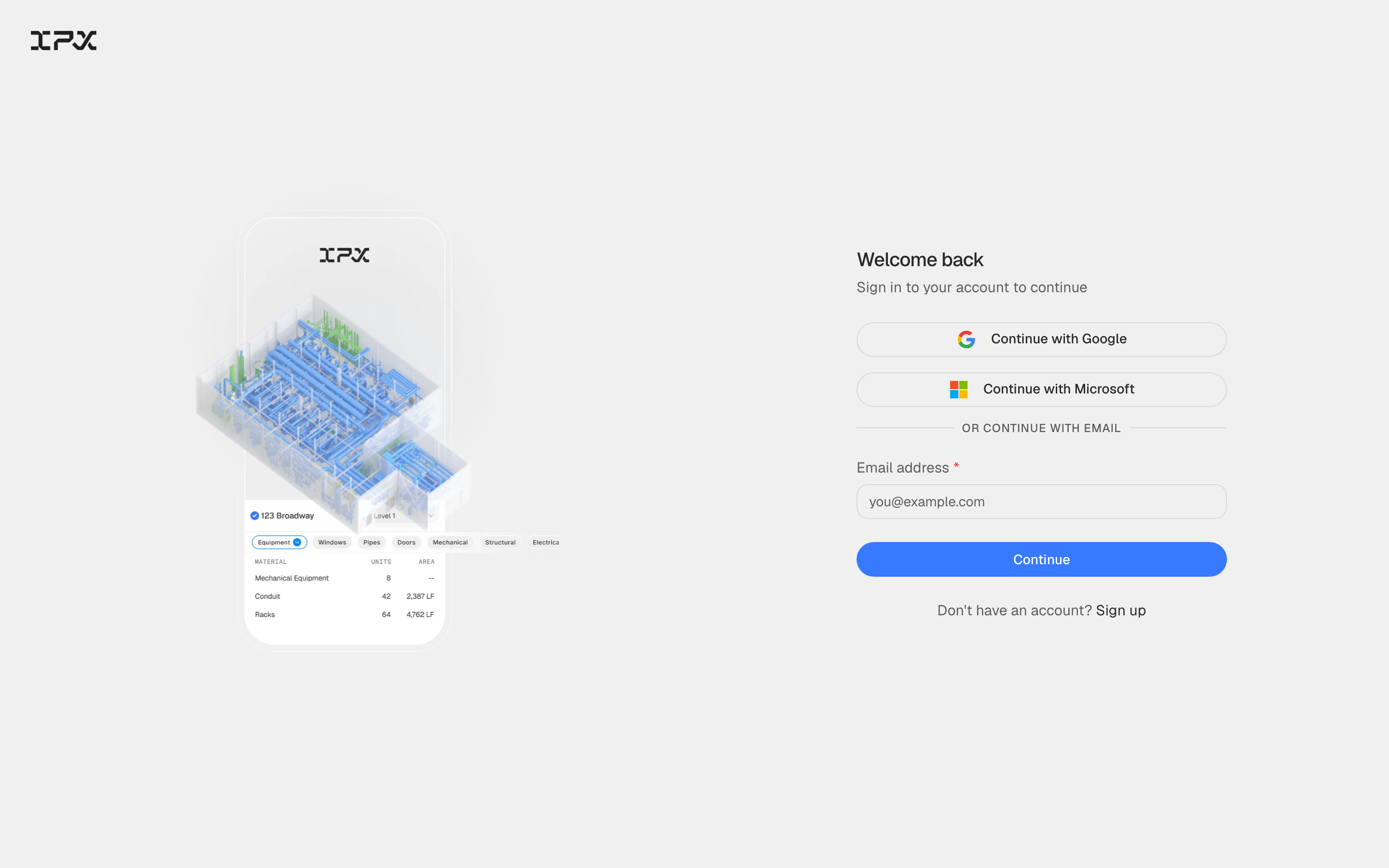
Click Continue with Google or Continue with Microsoft to authenticate through your social provider. To use email, type your address in the Email address field and click Continue — the platform will then prompt you for your password on the next screen.
After authentication you are taken to your dashboard, where your locations and active projects are listed in the left sidebar. If you belong to multiple organizations, the most recently active organization is selected automatically — you can switch from the header at any time.