See who ordered each project in BIMIT
Each card in Your projects on BIMIT now shows who ordered the project, and the organization switcher gets a search field once it lists seven or more organizations.
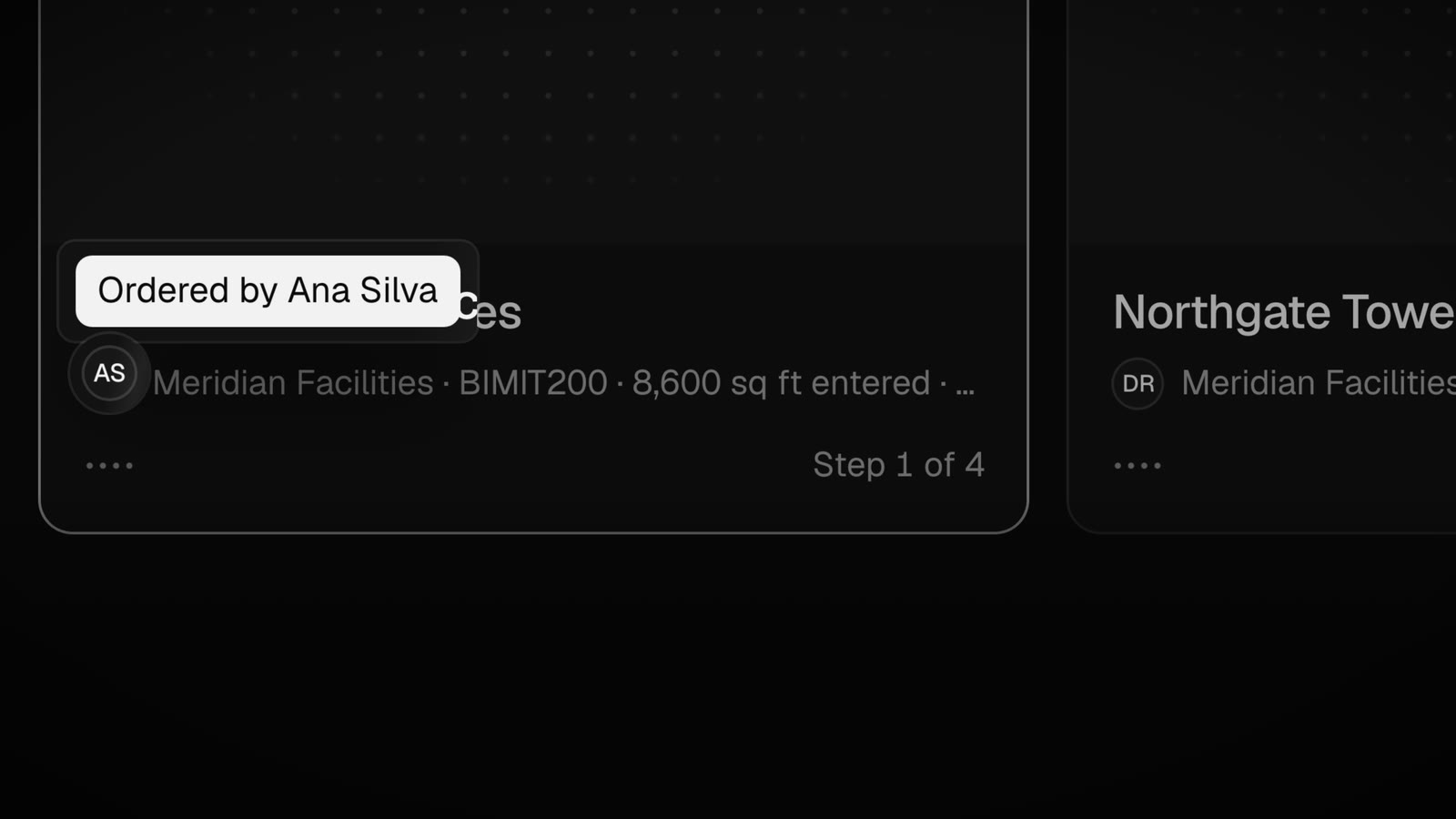
Each card in Your projects on BIMIT now shows who ordered the project, and the organization switcher gets a search field once it lists seven or more organizations.
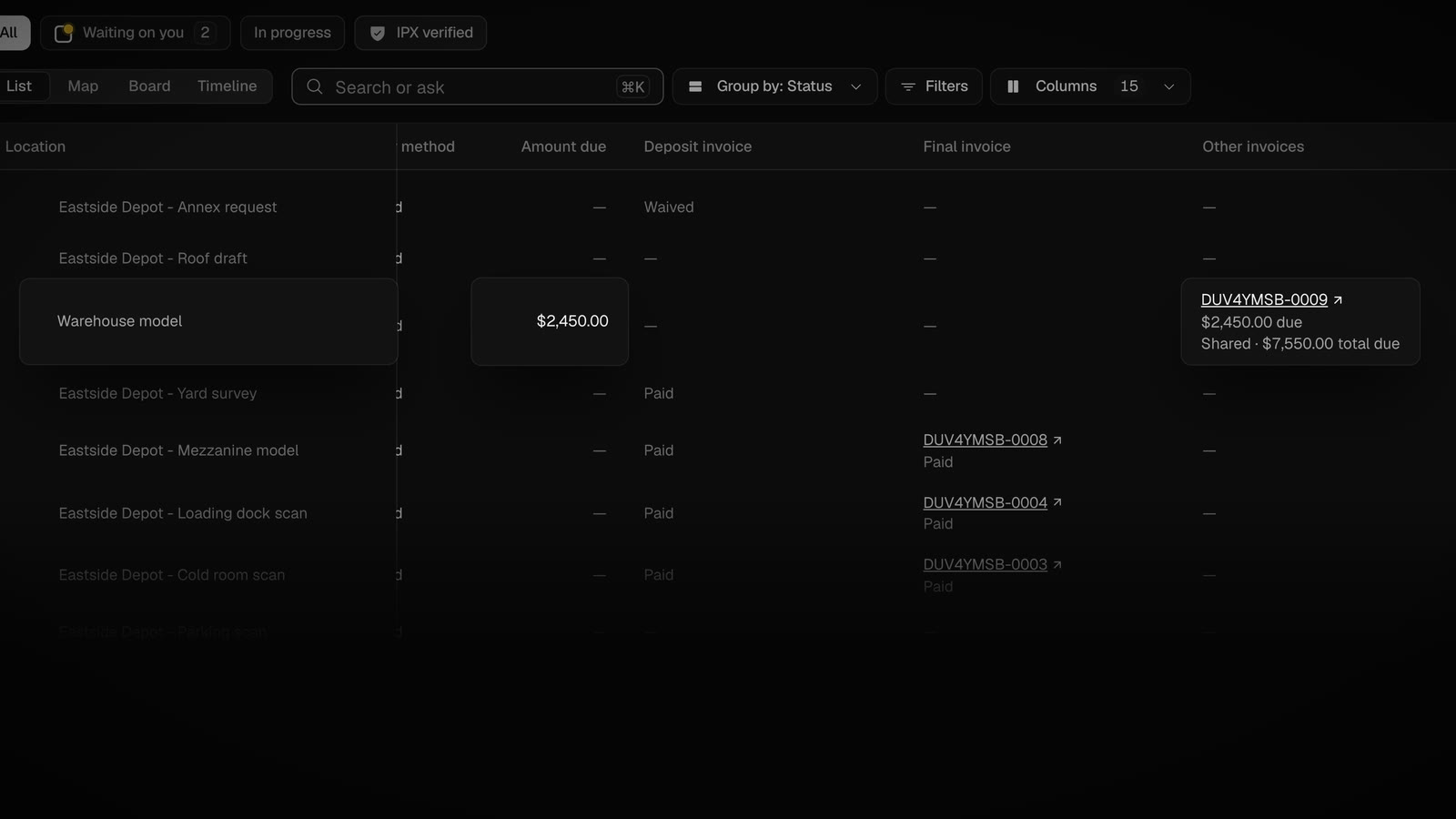
People with Billing access now see each project's invoices in Portfolio's List, with what the project owes even when one invoice covers several projects.
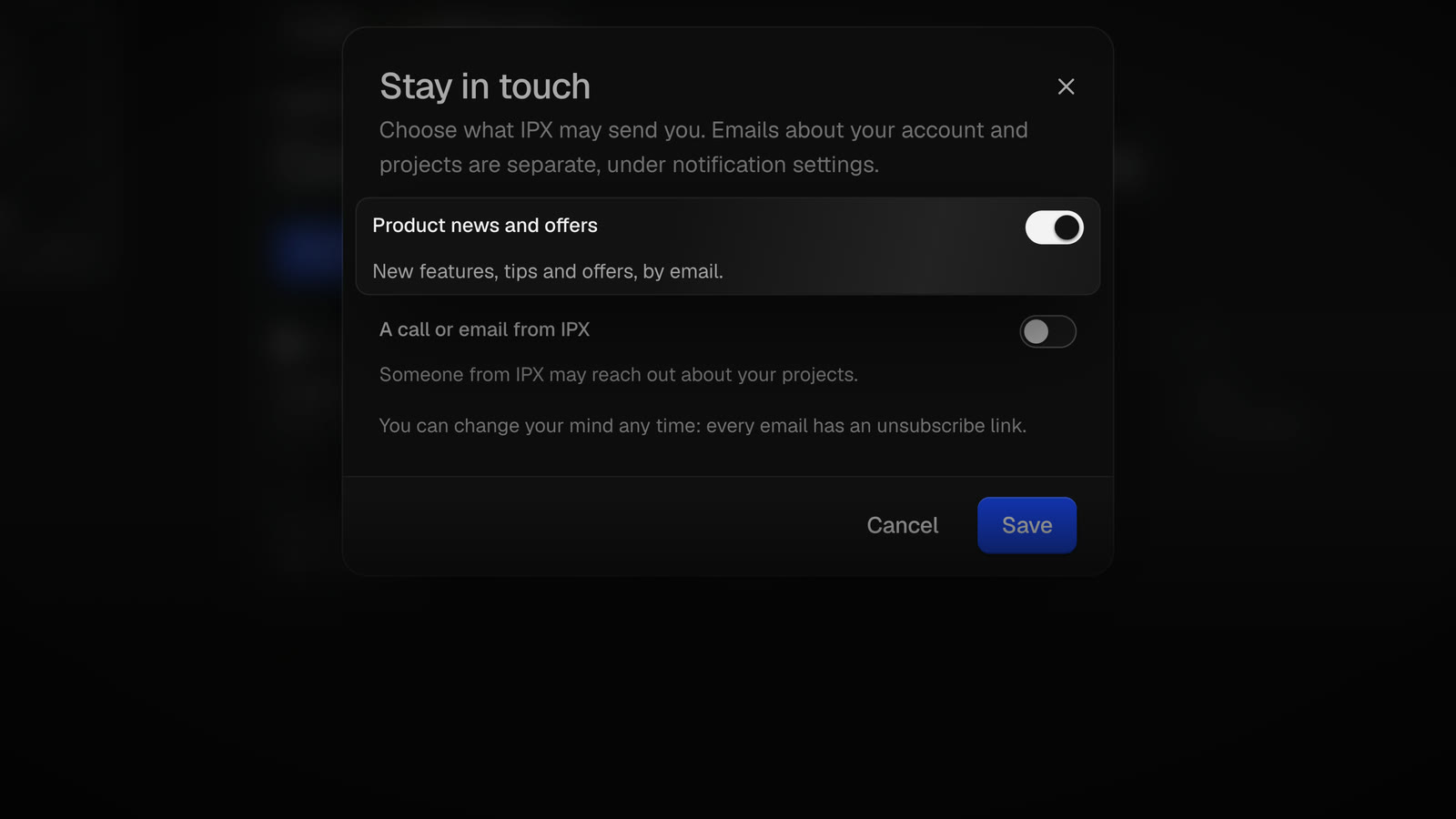
IPX now asks what it may email you besides your account and projects, and both choices start off.
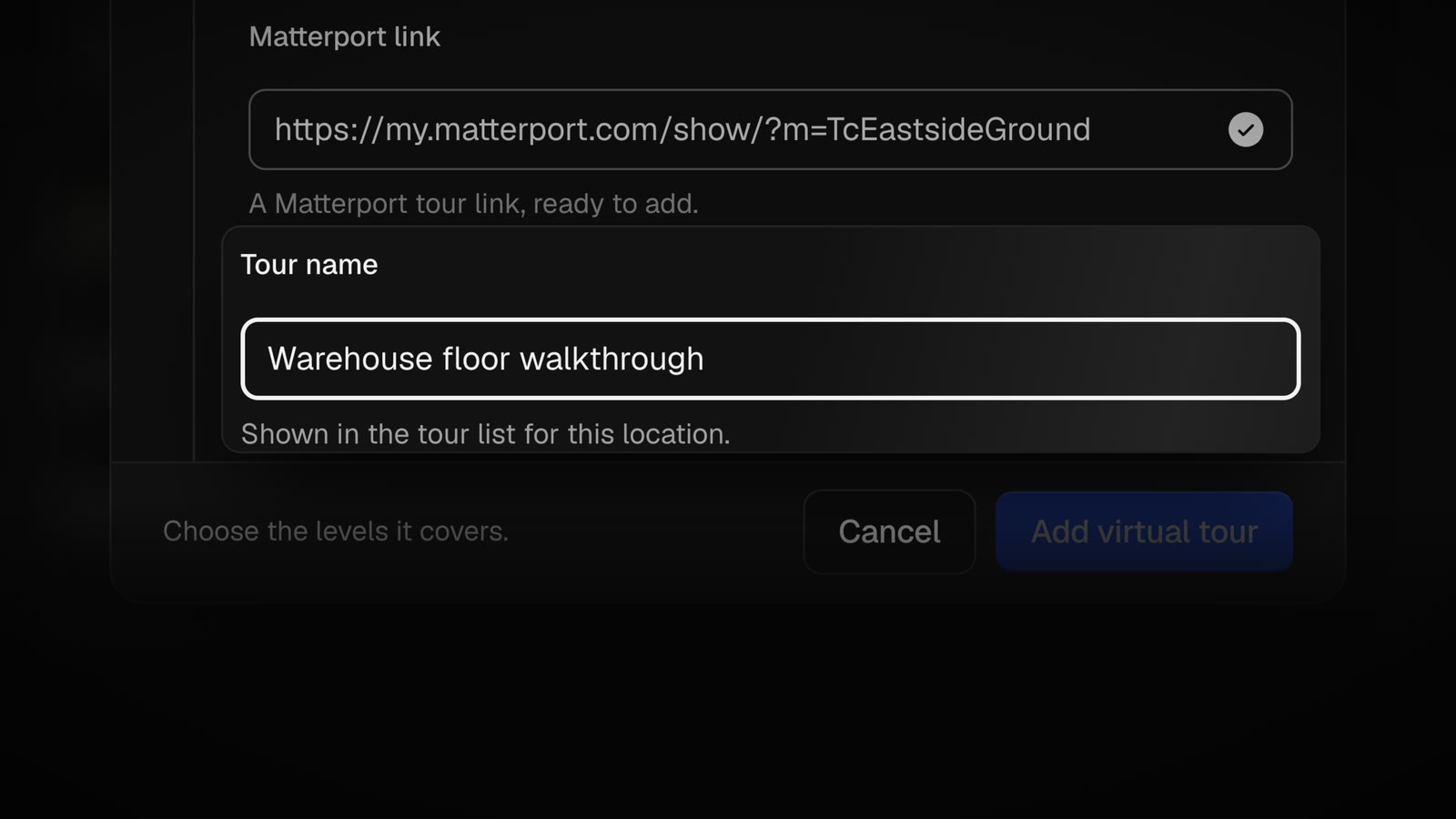
When you add a virtual tour by its link, you now name it in the same step, and one button adds it.
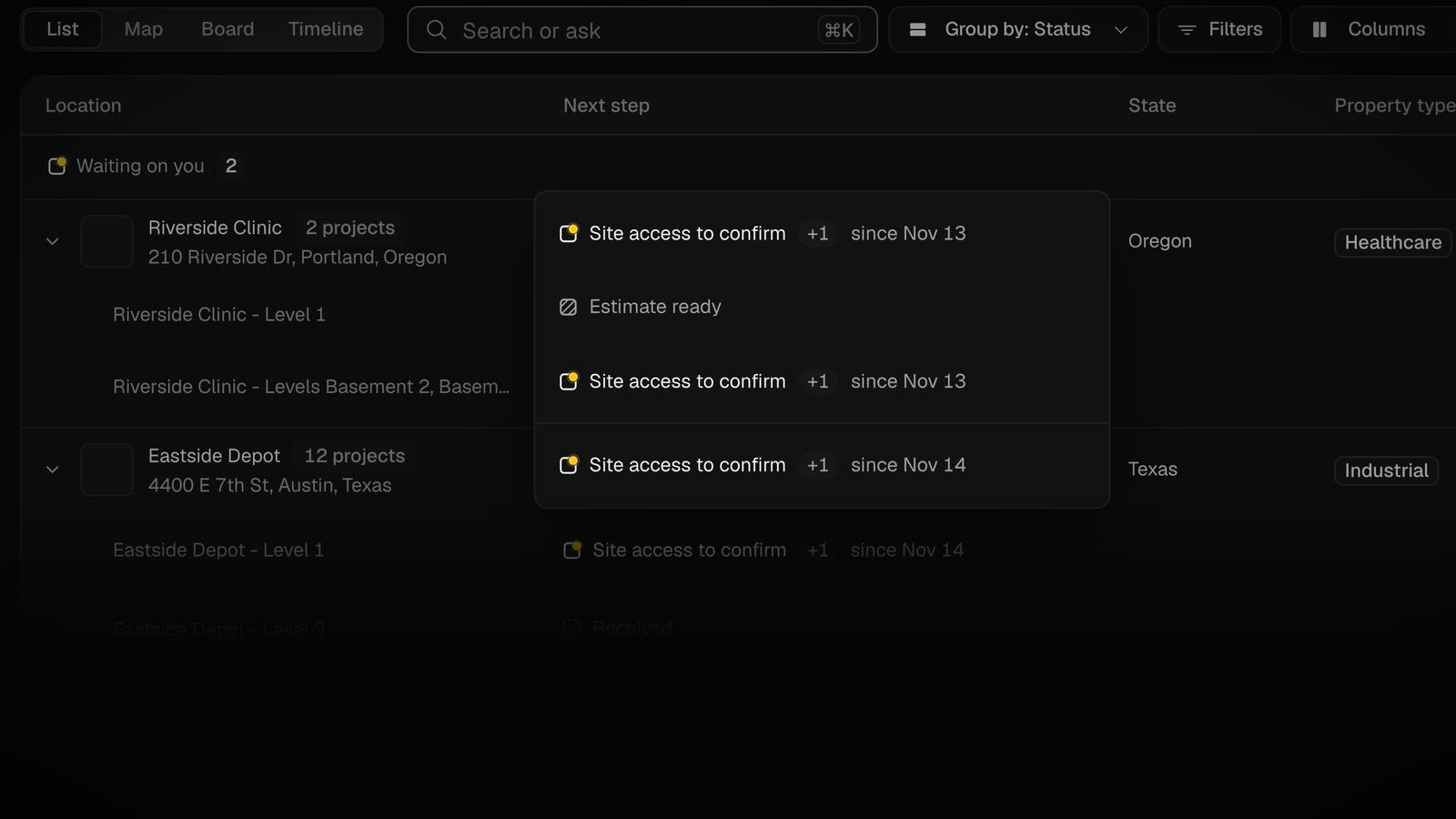
Portfolio's List now says what each location's project waits for, and whether the move is yours or IPX's.
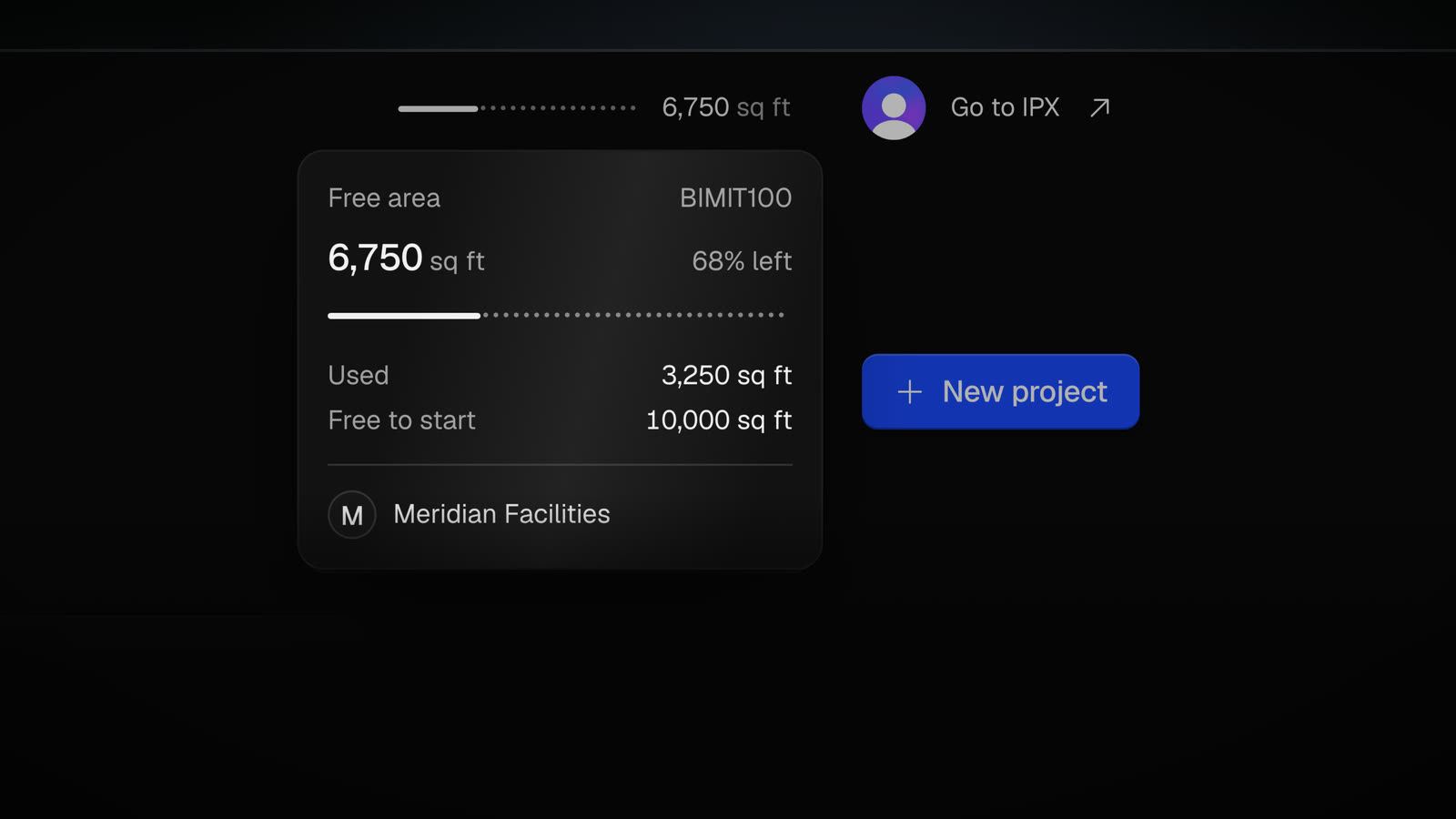
Your organization's free BIMIT area now sits in the header beside Go to IPX, as a bar and a figure, with the detail one hover away.
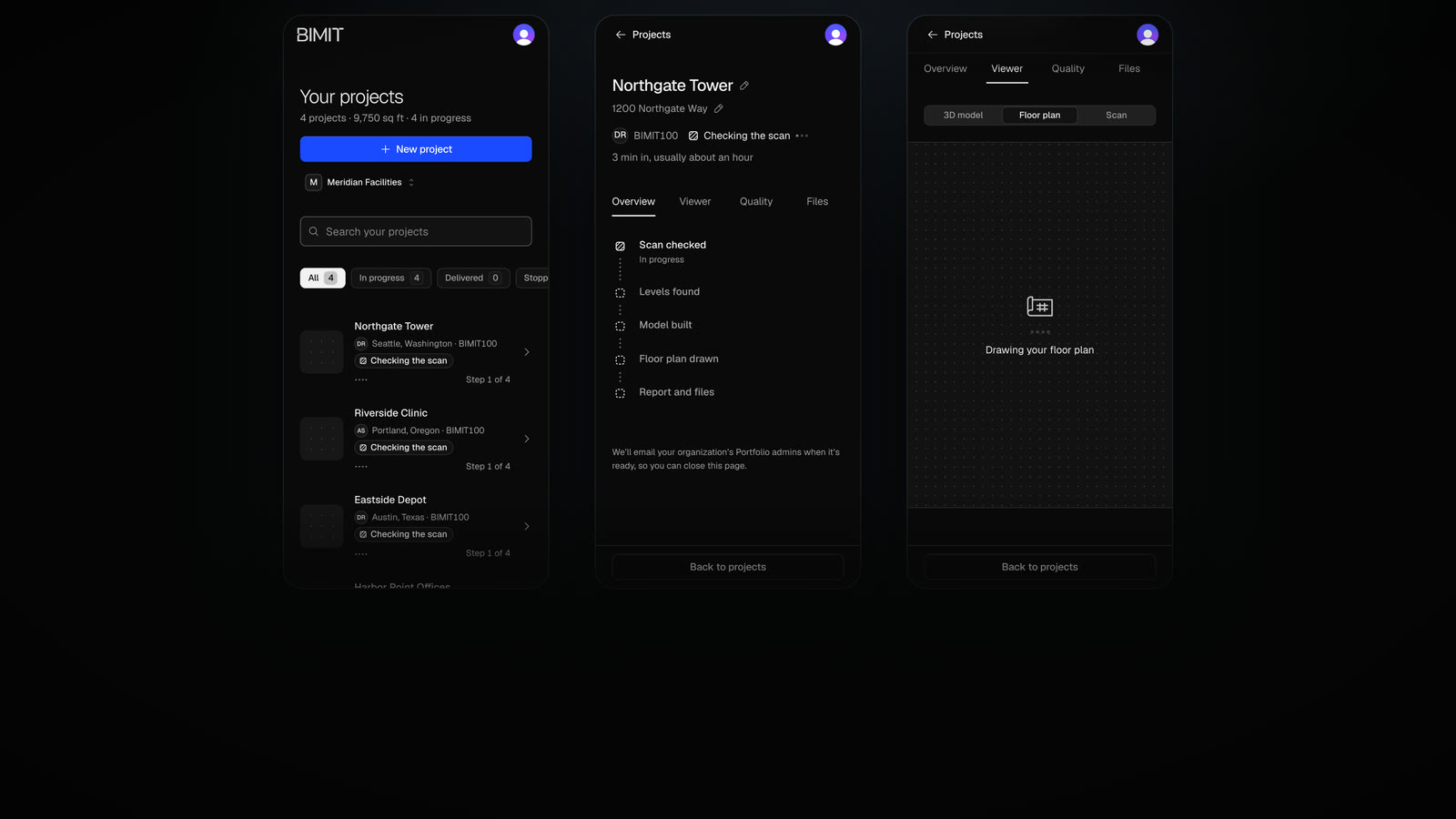
On a phone, BIMIT now shows your projects as a list of rows, and each project opens in four tabs that stay under the header, with its steps while the model is being built.
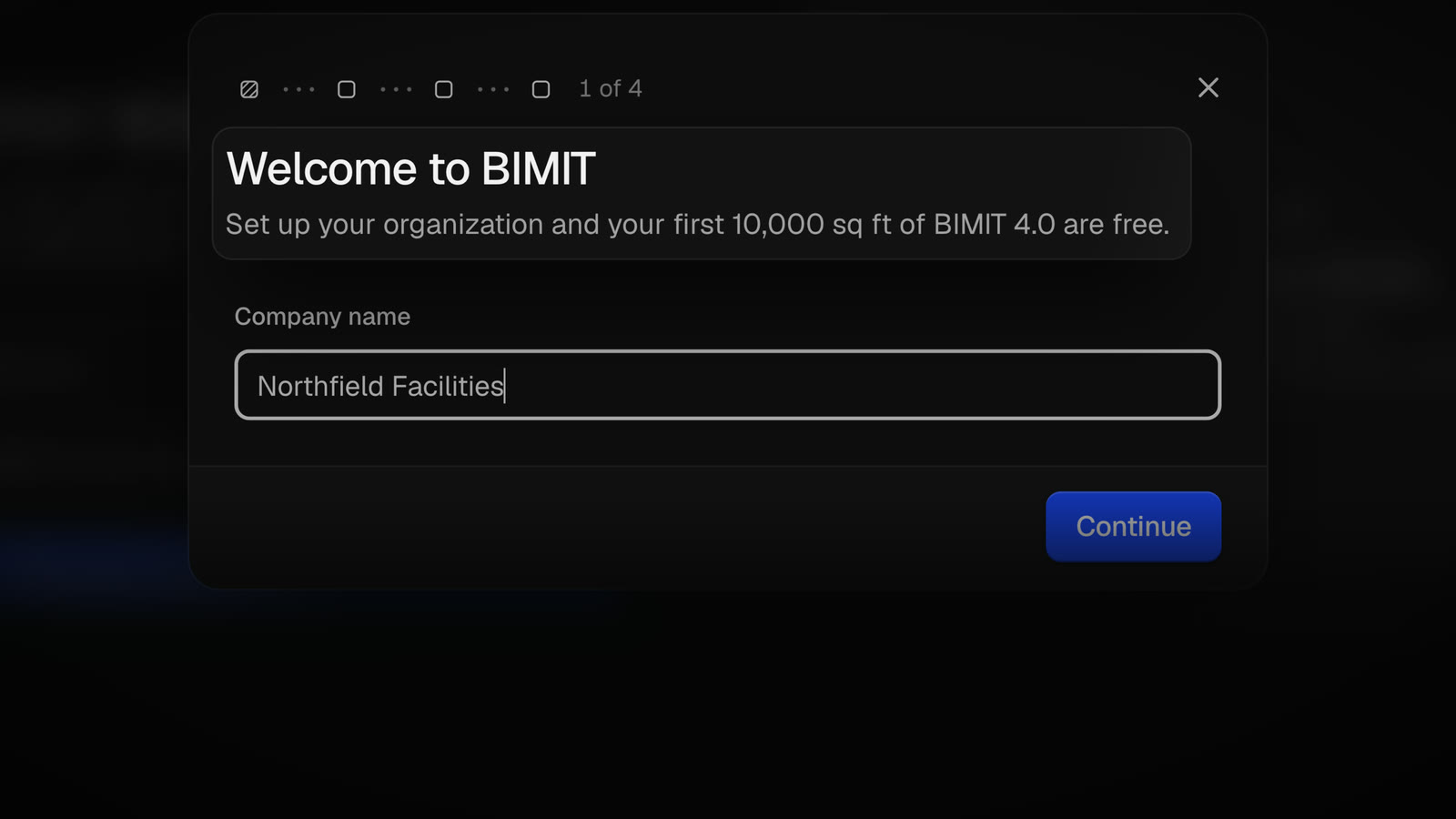
New BIMIT accounts now set up their organization right on the scan step, in a few short questions, and see the 10,000 free sq ft it starts with.
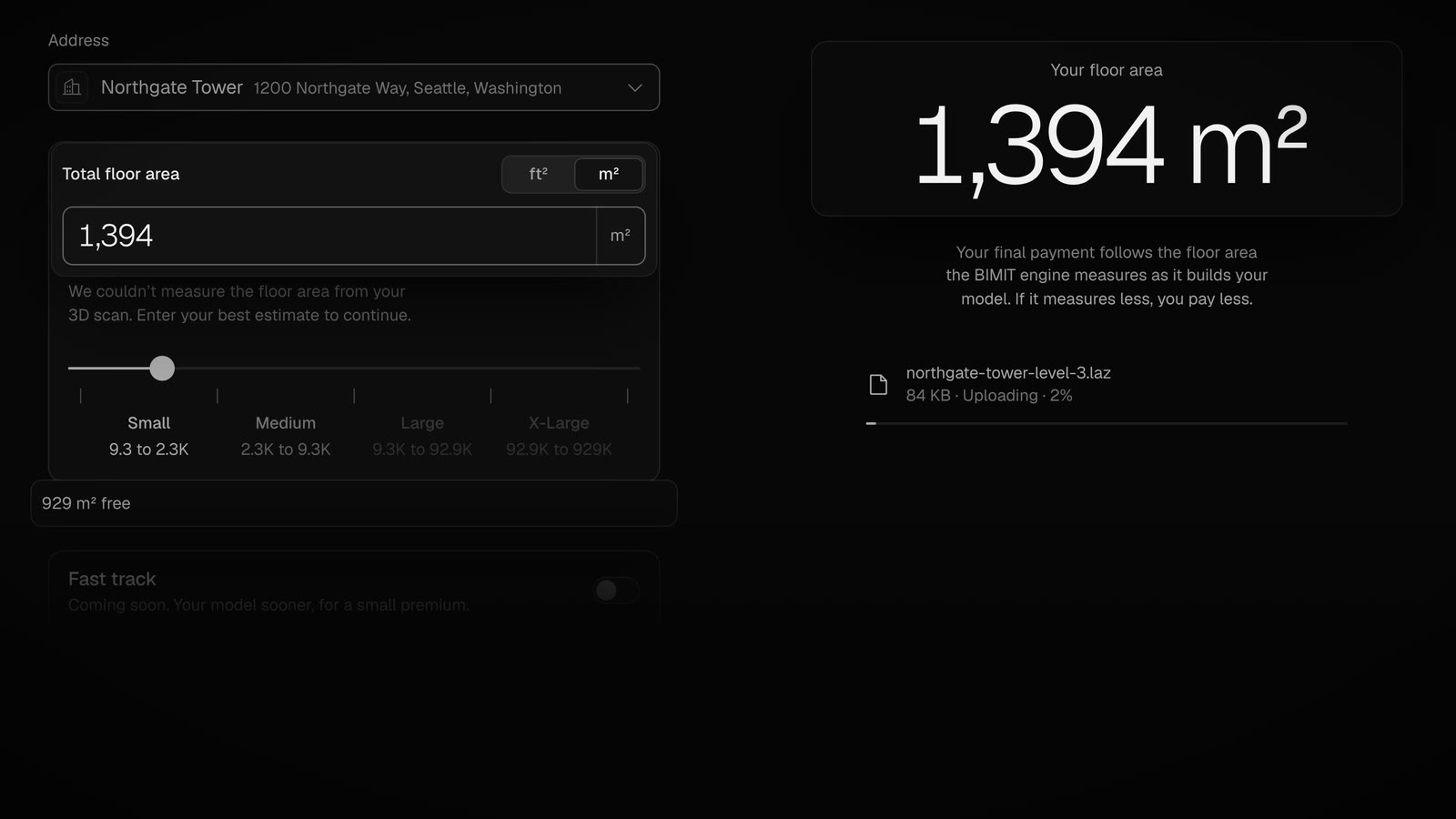
Choose sq ft or m² when you enter the floor area on a BIMIT order, and the area, the free area and the rate on that order read in the unit you chose.
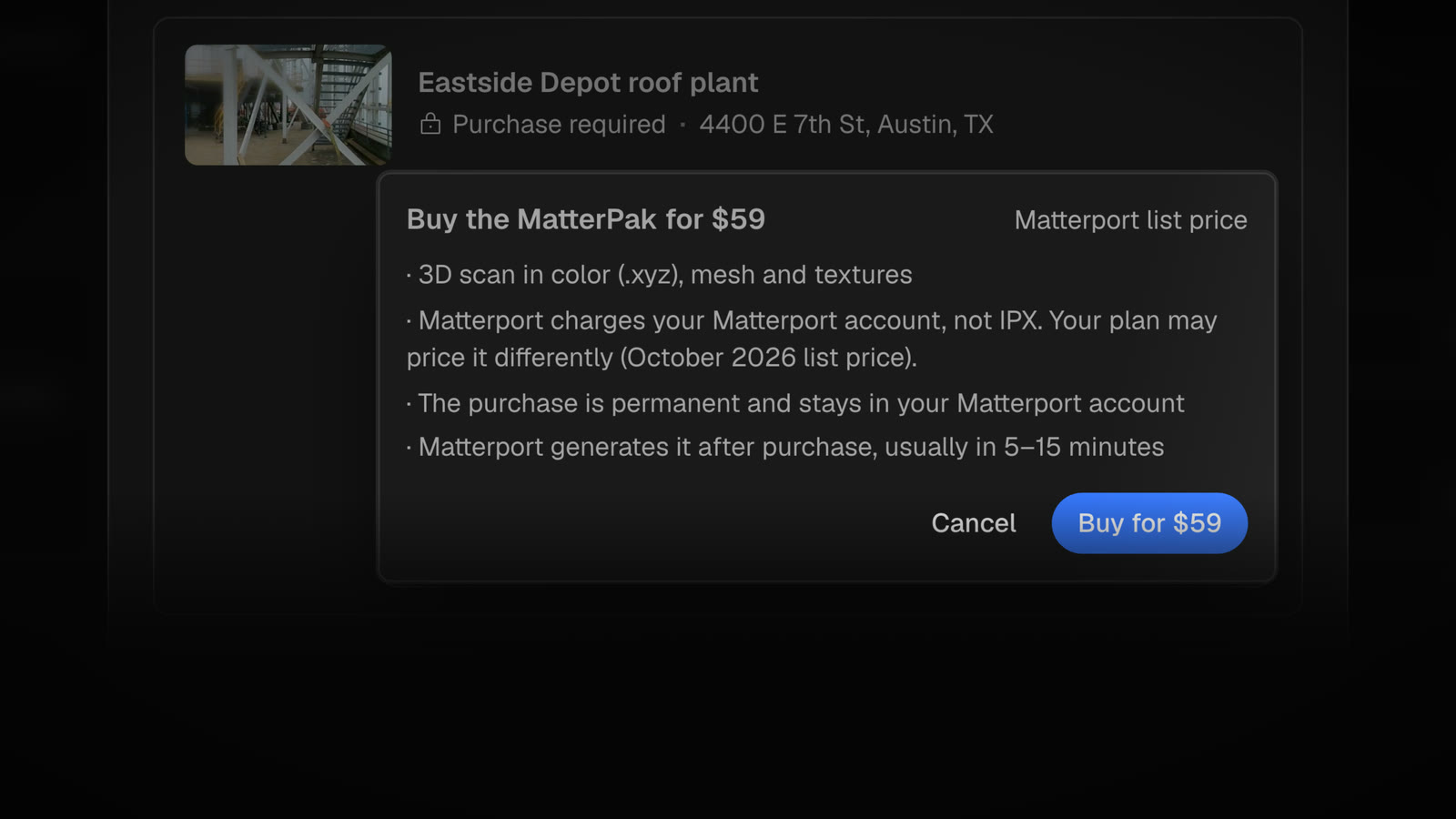
A Matterport space with no MatterPak yet now shows Matterport's list price in its Import menu, and you can buy it there, inside your BIMIT order.