Write to IPX support from the card on your page
What you write in the card can go to a person at IPX support. Their reply comes back in the same card, and your conversations stay listed there.
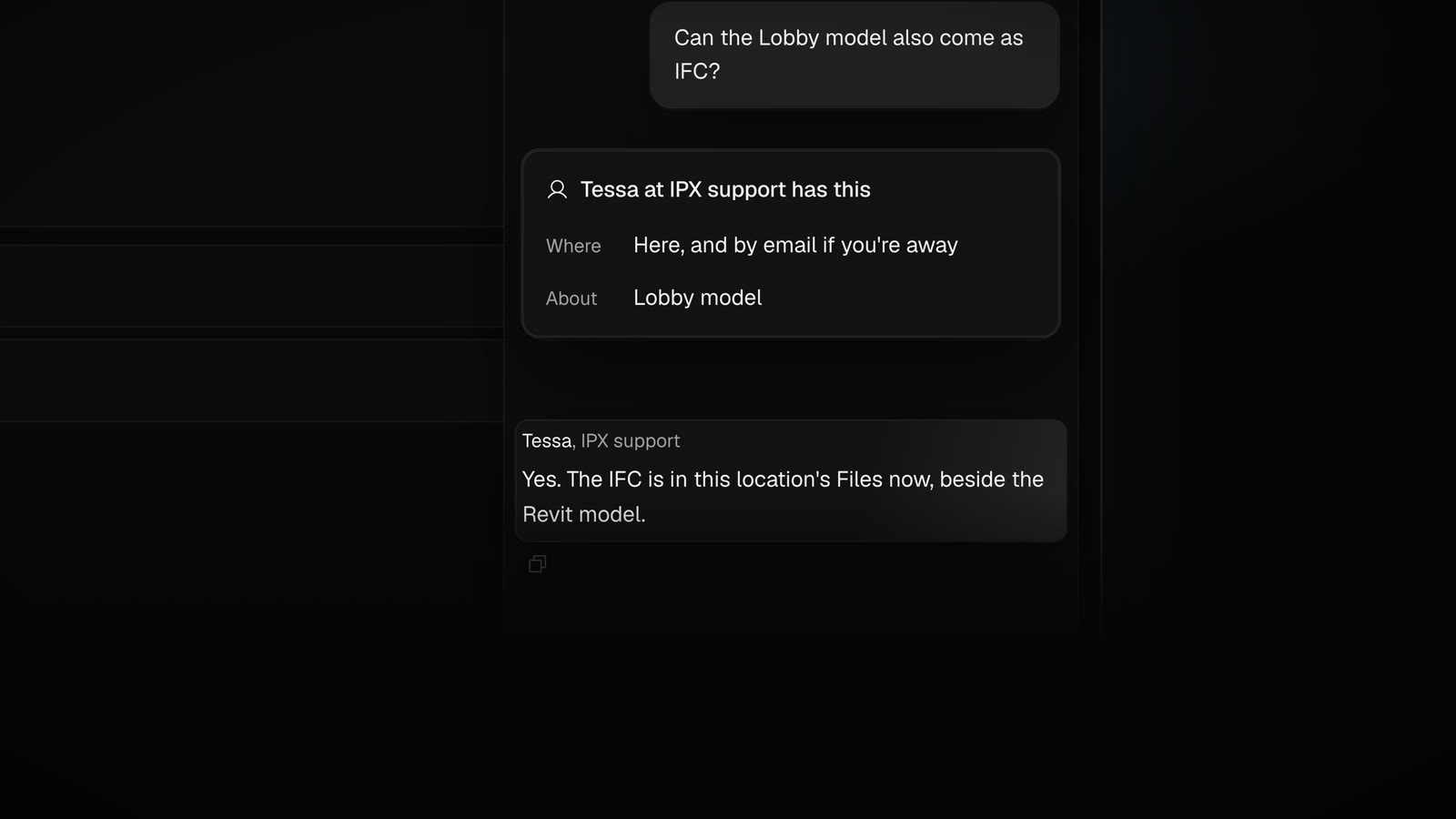
Before, support opened in a window of its own over the page, and Your conversations was a separate Support page. Now, on the app's pages, the card in the corner holds both. In organizations without the Agent, the card's box is marked To IPX support and what you write goes to a person. The conversation says who at IPX support has it, where the reply comes and the project it is about. Their reply arrives in the same card, and by email if you are away, and the box under it writes back to them. The clock in the card's top row opens Your conversations: the open ones first, then the resolved ones. Your conversations in the person menu opens the same list. In organizations that have the Agent, it answers how-to questions from IPX's guides and brings a person in when you ask.