A tour's map has one toolbar for 2D, 3D and back to the tour
A virtual tour's map now has one toolbar: Inspect in 3D and 2D map switch views, and Tour takes you straight back to the panorama.
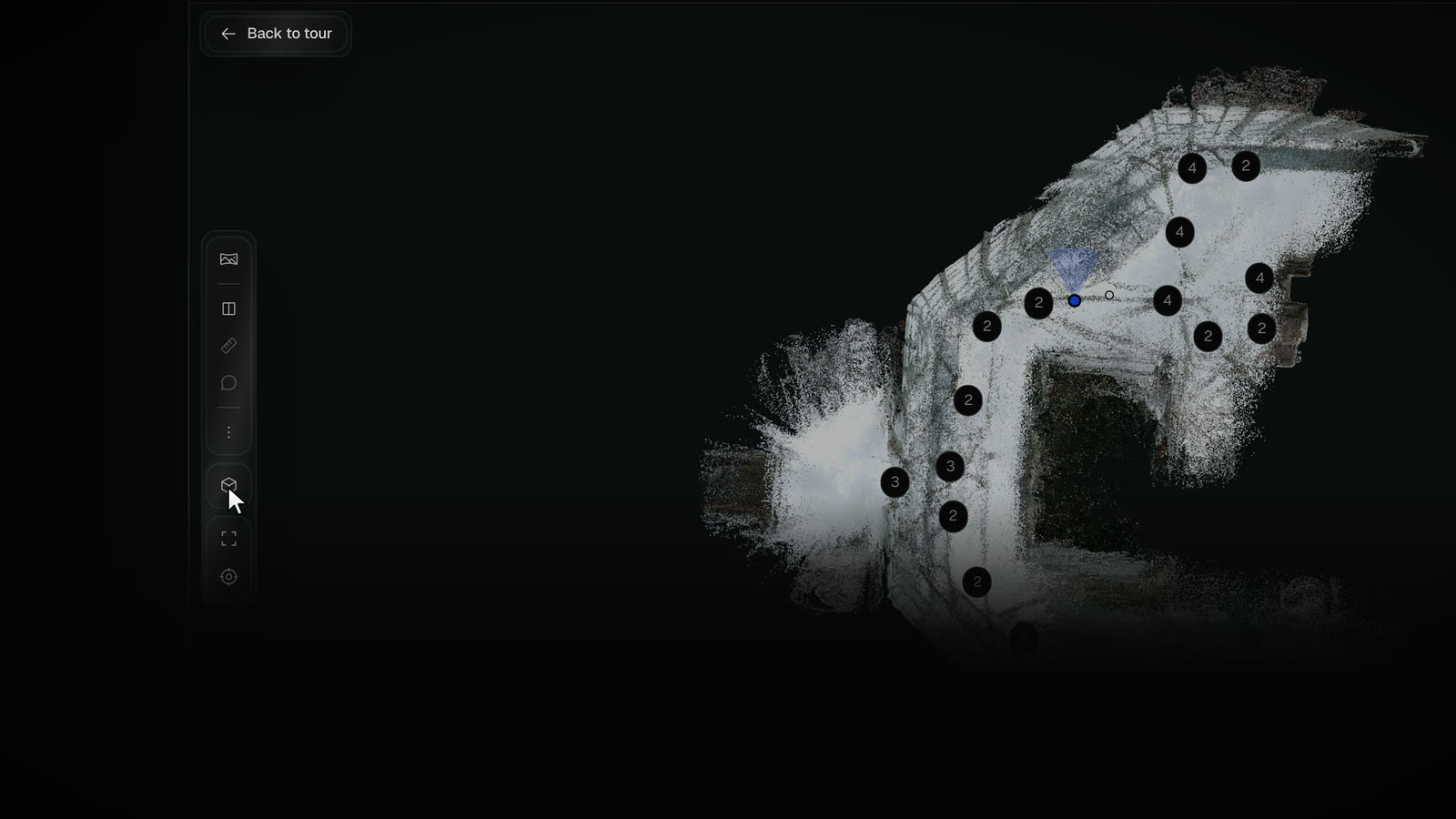
Before, a tour's large map could show two Back to tour buttons, and a 2D map button while it was already in 2D, and its Tour button opened the layer menu. Now the map has one toolbar. Inspect in 3D shows the scan in 3D, 2D map brings back the flat map, and the area you picked stays selected both ways. Tour and Back to tour take you straight back to the panorama.