A linked scan lands on the model
Link the point cloud into a BIMIT model by shared coordinates and it sits on the walls, with no moving or turning by hand.
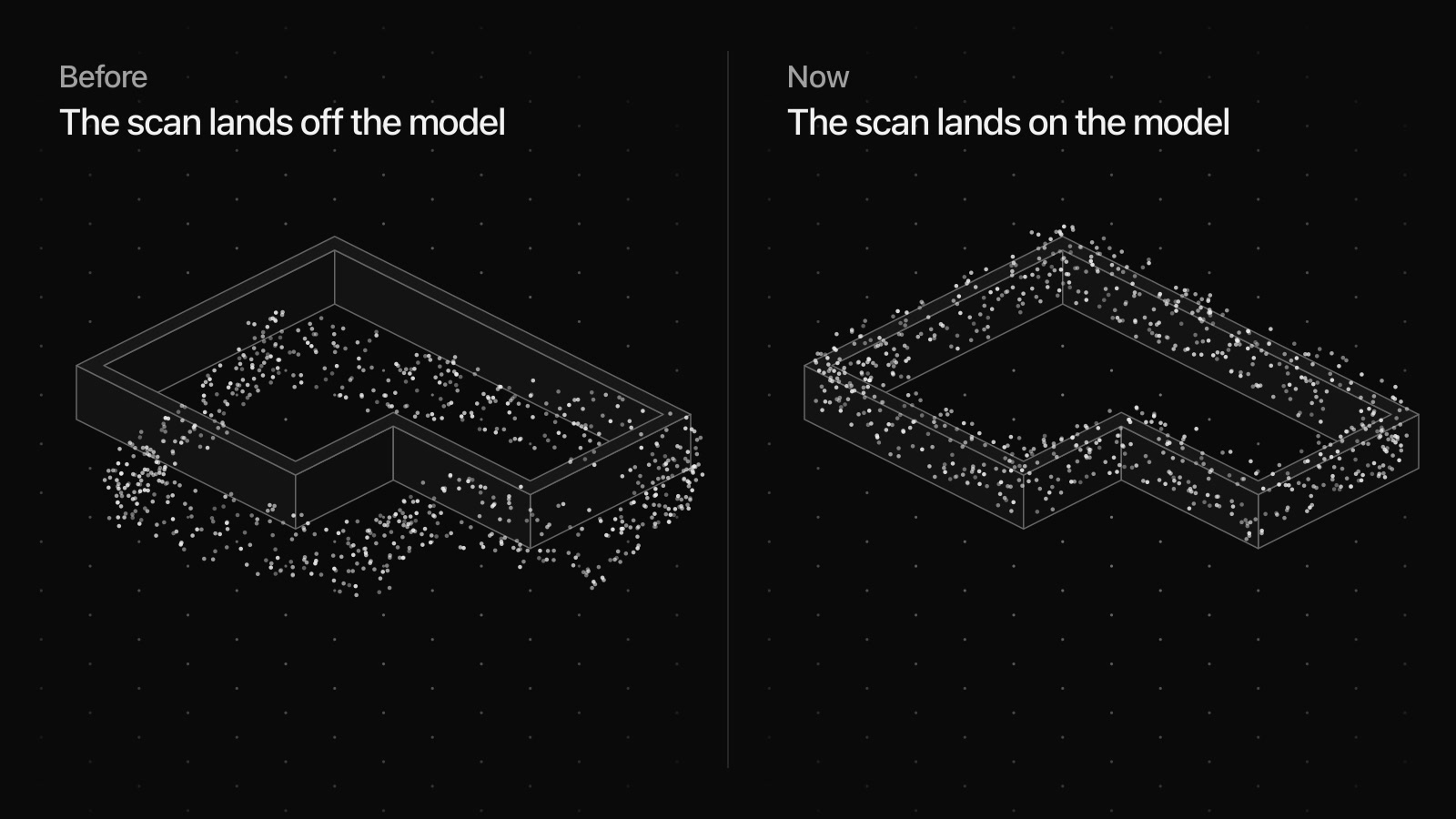
The BIMIT engine squares a model to the sheet, which is easier to draw in but moves it away from where the scan was captured. A linked point cloud used to land turned and off to one side, and someone had to move it into place by hand.
Each model now carries a second site, named Original, that holds the scan's own position, and the model opens with it current. In Revit, link the point cloud with Auto - By Shared Coordinates and it sits on the walls.